Home » Games » SeaWorld Adventure Parks Tycoon
SeaWorld Adventure Parks Tycoon

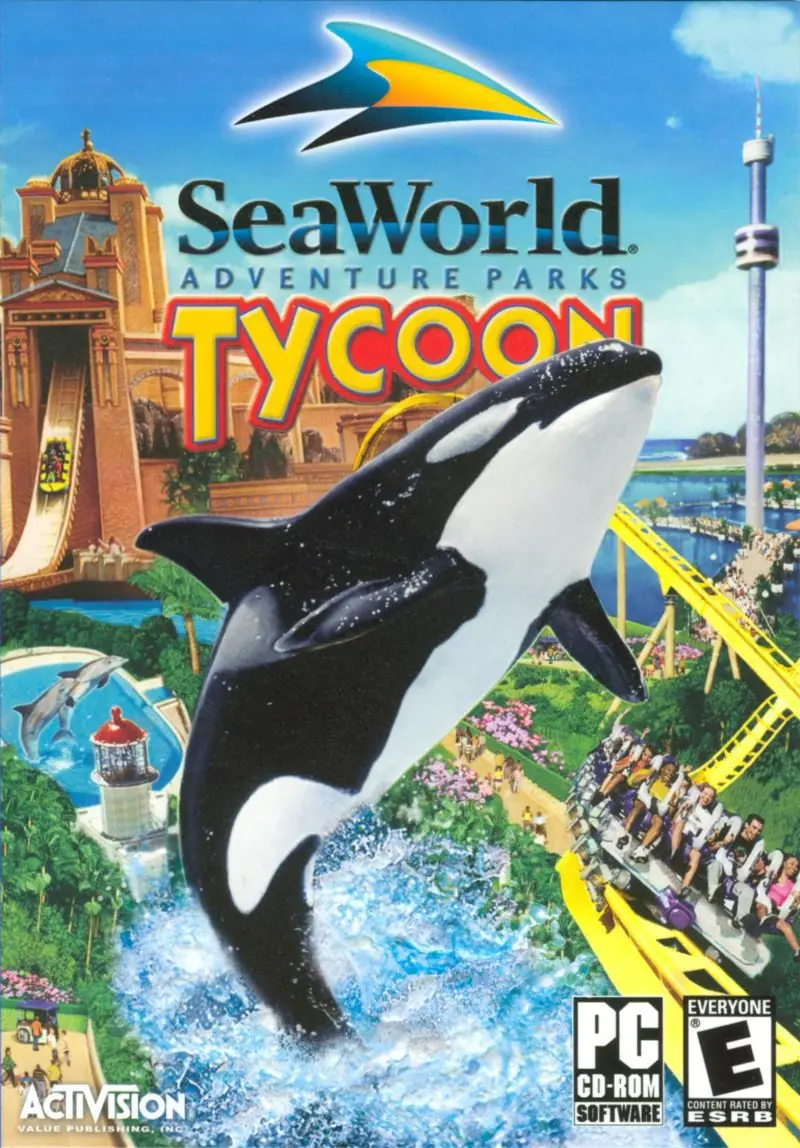
SeaWorld Adventure Parks Tycoon Game Cover
4.5/5 - 19 votes

SeaWorld Adventure Parks Tycoon is a business simulation Windows game based on the SeaWorld parks that was released in 2003. It was published by Activision and developed by Deep Red Games. It had a sequel, SeaWorld Adventure Parks Tycoon 2, released in 2005 (2006 in Europe).
Other Titles

海洋公园大亨Haiyang Gongyuan Daheng

Genres
Publishers
Developers
Released
Platforms
Download

About SeaWorld Adventure Parks Tycoon

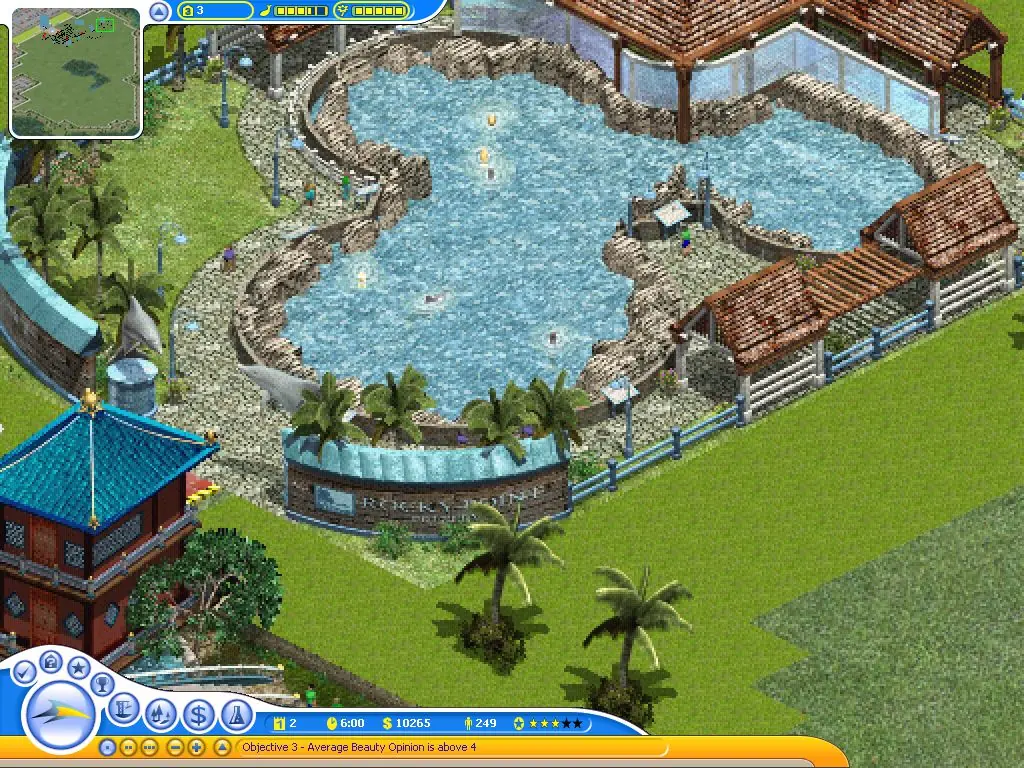
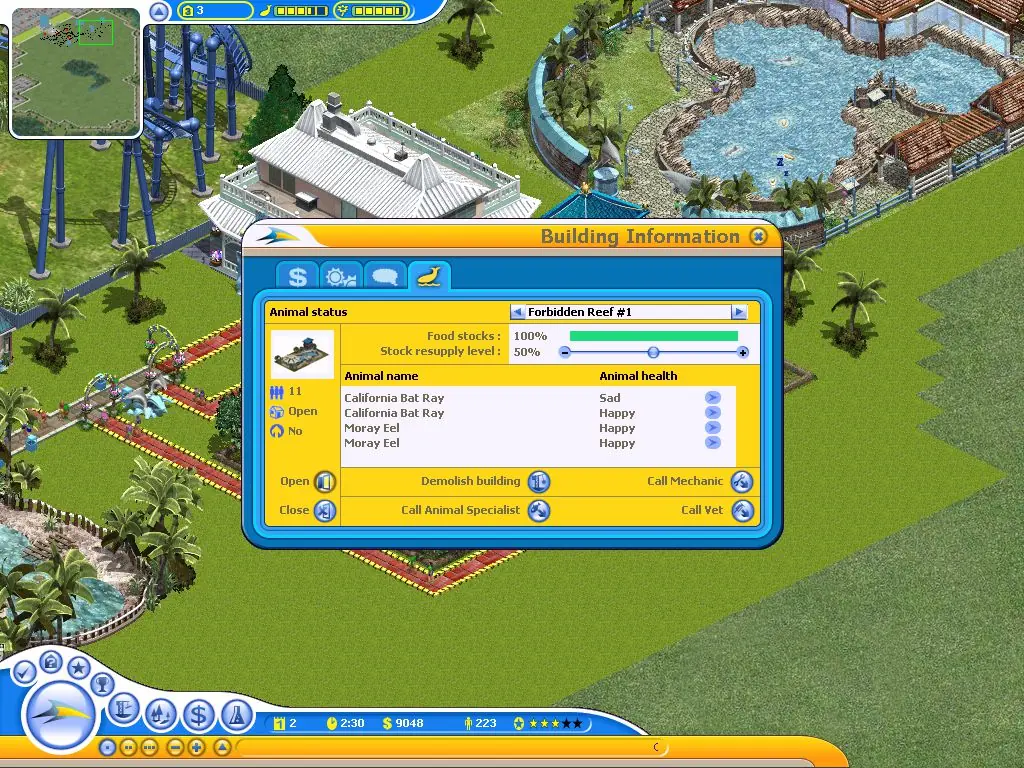
The game puts the player in the position of managing SeaWorld parks from a 2.5D (isometric) perspective. (The San Diego, San Antonio, and Orlando parks.) It features two different modes of play. One is a mode where the player must complete certain tasks in the park (often pre-built) before moving on. The second is a sandbox mode where the player starts building their own park out of the given barren land and a certain budget. In this mode, there are no limitations to what a player can and cannot do within the park grounds.

Screenshots

Windows

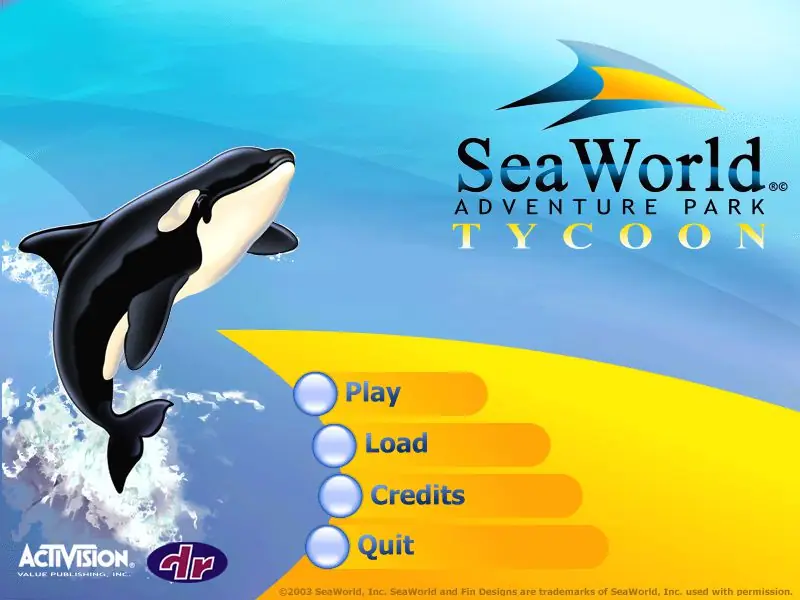
SeaWorld Adventure Parks Tycoon — Windows screenshot 1SeaWorld Adventure Parks Tycoon — Windows screenshot 2SeaWorld Adventure Parks Tycoon — Windows screenshot 3

Download SeaWorld Adventure Parks Tycoon

SeaWorld Adventure Parks Tycoon is abandonware and no longer sold or supported by its publishers. Files are archived here for these platforms:

Windows (2003)

Comments

9 thoughts on “SeaWorld Adventure Parks Tycoon”

  1. 0
    For anyone confused on how to install, simply run the .bin file with DAEMON tools lite and it should install like any other virtual disc. Unfortunately the game runs extremely laggy when playing on my PC which is odd because I’m running it in the correct compatibility mode (Windows XP) and I never had any issues with lag when originally playing it back in the day on Windows XP. Menus are fine just actual gameplay is torturously laggy. Similar old tycoon games like Zoo Tycoon and Rollercoaster Tycoon 2 have no lag issues at all. If anyone has any ideas please let me know.
    Reply
    • 0
      I made it work without lags.

      Download dgVoodoo 2 and copy DDraw.dll, D3DImm.dll from the \MS\x86\ folder to the game install directory.

      Reply
  2. 0
    It is not installing, I did extract it and it gave me 3 files, I then tried to open up all of them with no luck. I am on windows 10 home
    Reply
    • 0
      I used PowerISO to convert the .bin file (the one with significantly more KB) to a .iso file. After that I was able to mount the .iso and install the game. Hopefully this help!
      Reply
    • 0
      Hey
      So its simple
      just right click on the application and click properties then compatibility and then change it to vista or xp then run it as administratoer
      Reply