Spider-Man: Web of Shadows

Spider-Man: Web of Shadows is a 2008 action game developed by Aspyr Media and published by Activision.
Publishers
Developers
Released
Platforms
Spider-Man: Web of Shadows is a 2008 action game developed by Aspyr Media and published by Activision.
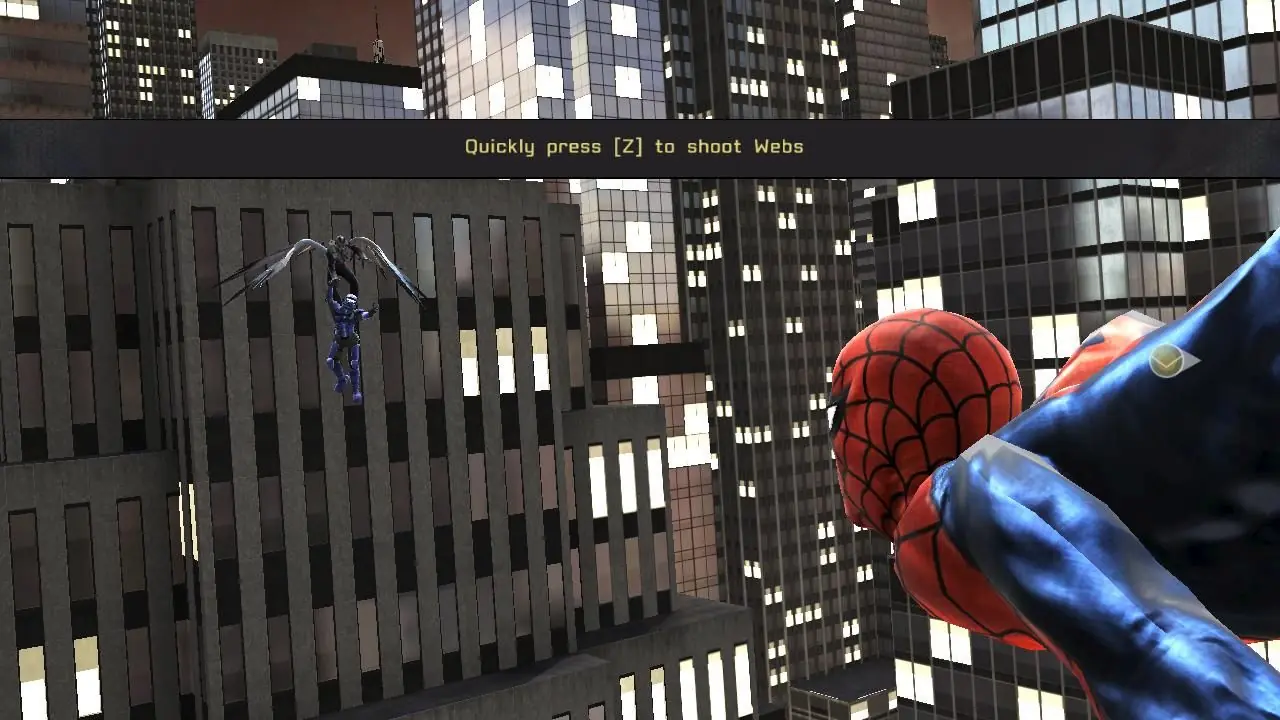
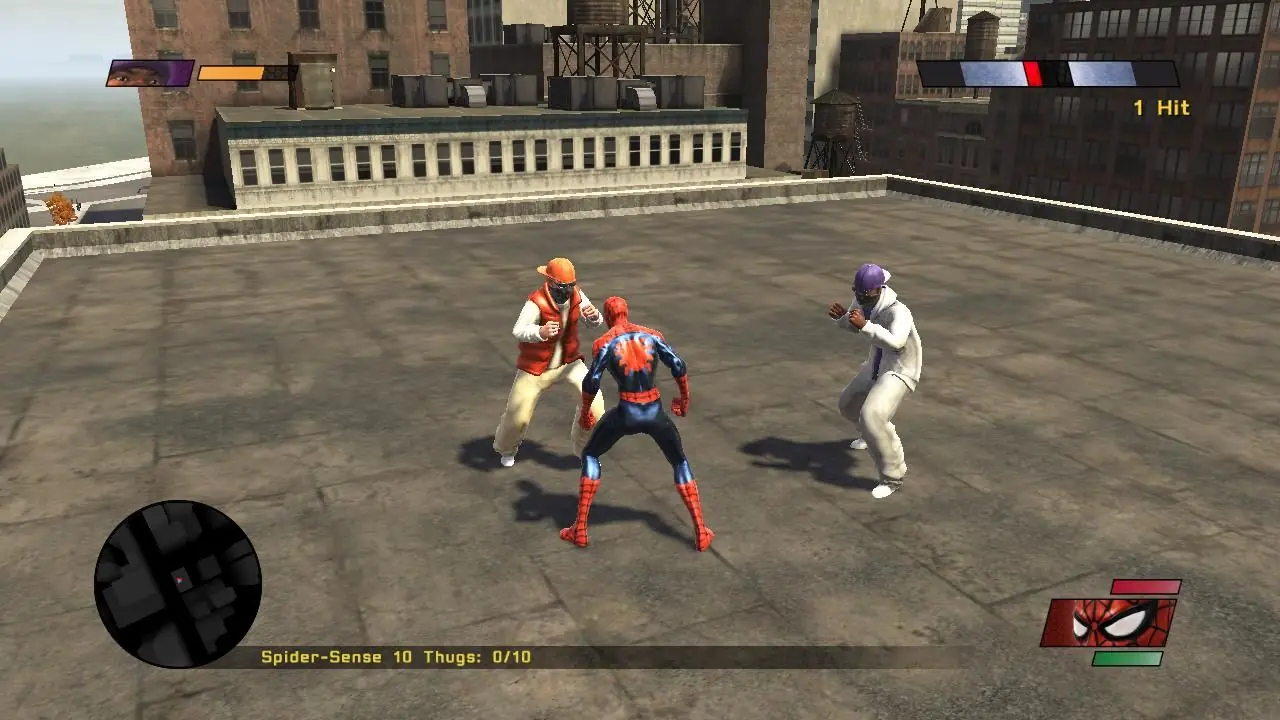
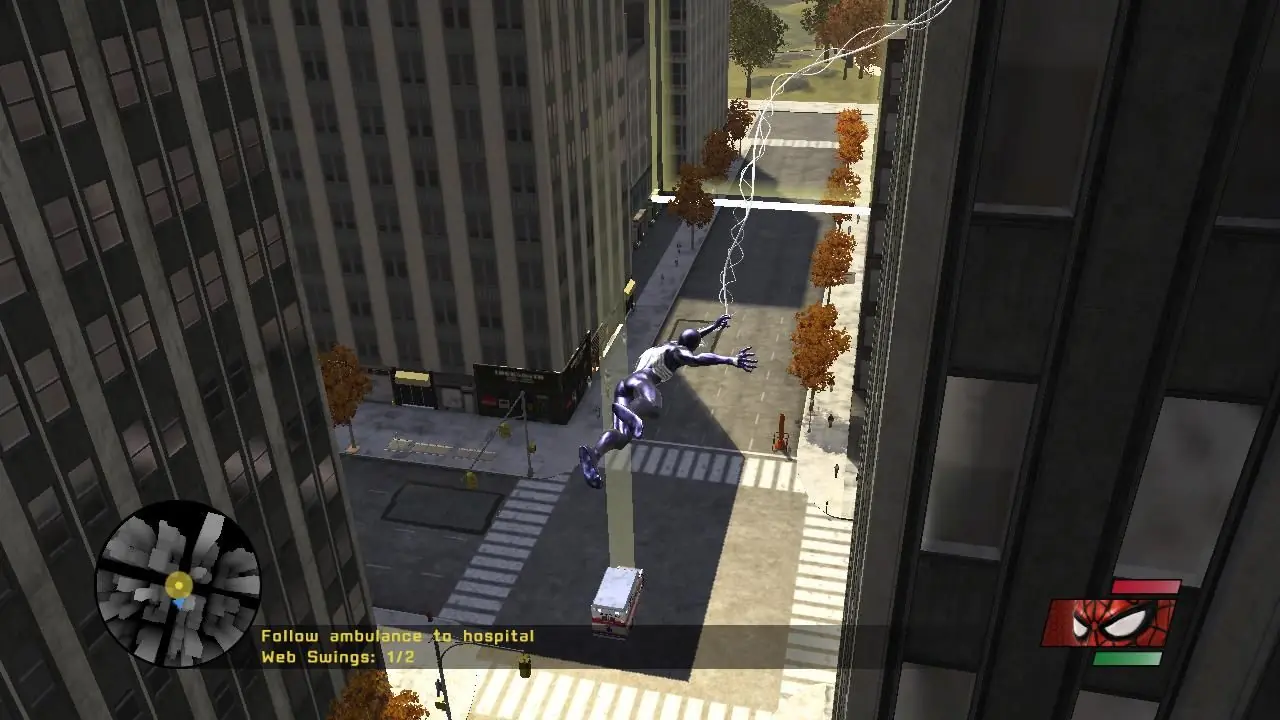
Spider-Man: Web of Shadows is a 2008 action-adventure video game based on the Marvel Comics character Spider-Man. The game was released in October 2008 across multiple platforms, and encompasses three drastically different versions: one released for Microsoft Windows, the PlayStation 3, Wii, and Xbox 360, which features an open world and non-linear gameplay; one for the PlayStation 2 and PlayStation Portable (titled Spider-Man: Web of Shadows – Amazing Allies Edition), which is a 2.5D side-scrolling beat 'em up; and one for the Nintendo DS, a Metroidvania-style beat 'em up. All three versions have several common elements, such as moral choices that alter the narrative, the ability to summon allies during fights, and a similar plot, despite different characters being featured. Web of Shadows' storyline is significantly darker than most previous Spider-Man games, as it revolves around a symbiote invasion threatening Manhattan, which Spider-Man must stop with the help of several unlikely allies.
Spider-Man: Web of Shadows is abandonware and no longer sold or supported by its publishers. Files are archived here for these platforms:







Is there any workaround?? I can’t find any solutions
The Game Works Fine But The Thing Is That If You Can’t Save Your Progress Than It’s Nothing. I Downloaded This Game From Here In June 23, 2023. It Worked Just Fine. But What About Know? Why Is This Happening? Running The Game As An Administrator? Turning The Anti-virus Off? Oh Boy I’v Done Them Also. You Gotta Give The Solutions Bro. What A Masterpiece Game But…… 🙁
Almost Same With The Ultimate Spider-Man. It Worked Fine When I Downloaded It In January 2023. But The Loading Option Be Like:
(1)- – — – — / / / — – –
(2)– – – – – – – – //—
It Ain’t Saving Any Progress. Please Mods. Give Me A Solution
Create folder for Spiderman WoS
Move the downloaded file to Spiderman WoS
Open the downloaded file with WinRAR (7zip might work, not sure)
Click on Setup > rsrc
Click on AUTORUN.EXE and wait until extract is complete
Click on Install.exe and wait until extract is complete
A UAC prompt should pop up asking to run Setup Installer, allow this
Choose language in Setup Installer and proceed
8.1 If an error code pops up, double click SMWoS.exe in WinRAR and wait until extract is complete, then proceed with step 9
9. Follow the prompts for the Spiderman WoS installer (recommmended to install to ‘Program Files (x86)’ if you want to exactly follow this guide)
10. Once installation is complete, DO NOT press ‘Play’, and instead press ‘Quit’
11. In File Manager, navigate to Program Files (x86) > Activision > Spider-Man: Web of Shadows > image > pc
12. In WinRAR, navigate to back to spiderman wos (TJK). Then click on the ‘Crack’ folder.
13. Drag ‘Spider-Man Web of Shadows.exe’ into Program Files (x86)\Activision\Spider-Man – Web of Shadows\image\pc
14. Click ‘Replace the file in the destination’
15. Launch ‘Spider-Man Launcher.exe’
16. Navigate to ‘Video’ tab and select desired resolution + V-Sync settings
17. Click play and enjoy!
17.1 To relaunch the game, launch ‘Spider-Man Web of Shadows.exe’
17.2 Xbox controller settings are loaded automatically, although it is recommended to add WoS to Steam
Why Am I Facing These Problems Though I Once Downloaded This Game In June 2023 and I Had No Issues.
Note: If you do not have the consoles, just emulate it