Home » Games » Theme Park Inc

Theme Park Inc

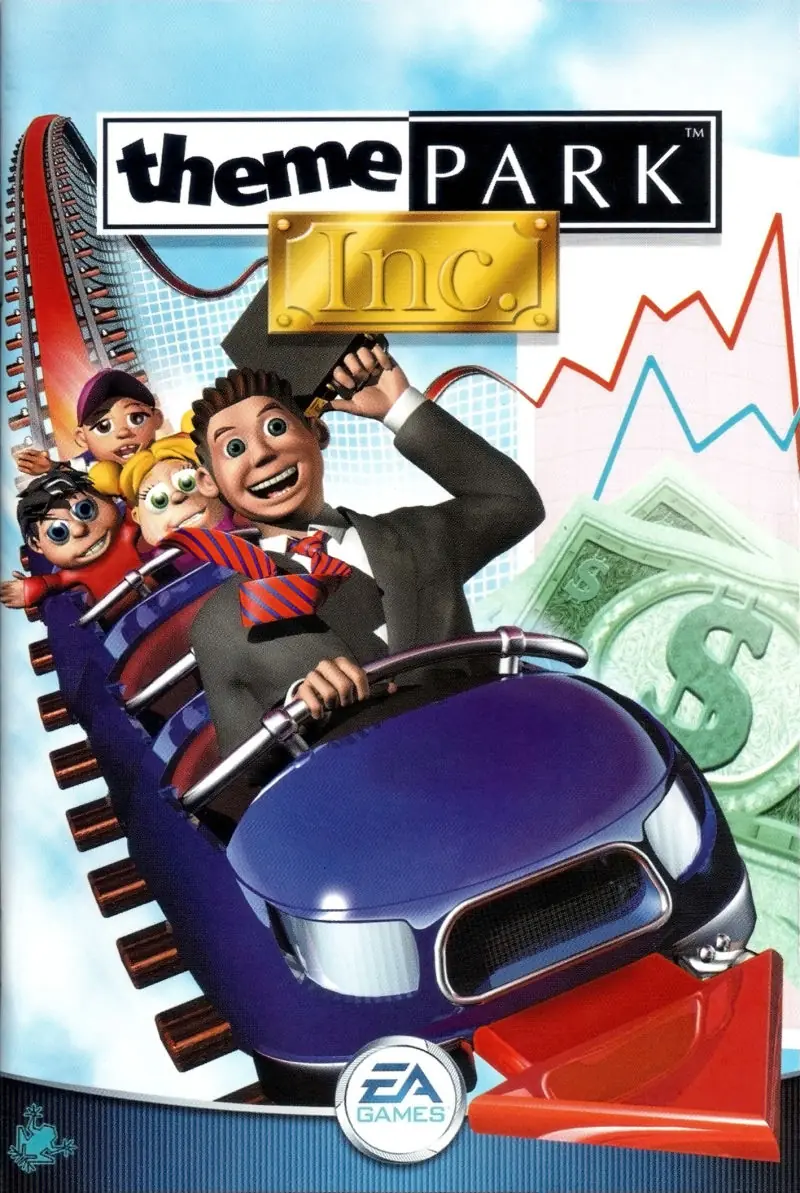
Theme Park Inc Game Cover
4.3/5 - 53 votes

Theme Park Inc is a 2001 simulation game developed by Bullfrog Productions and published by EA Games.

Other Titles

SimCoaster主题公园公司Theme Park Inc.Theme Park ManagerSim Coaster

Genres
Publishers
Released
Platforms
Download

About Theme Park Inc

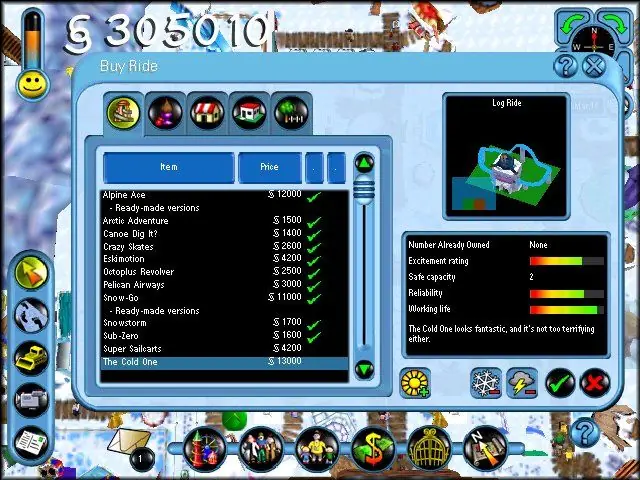
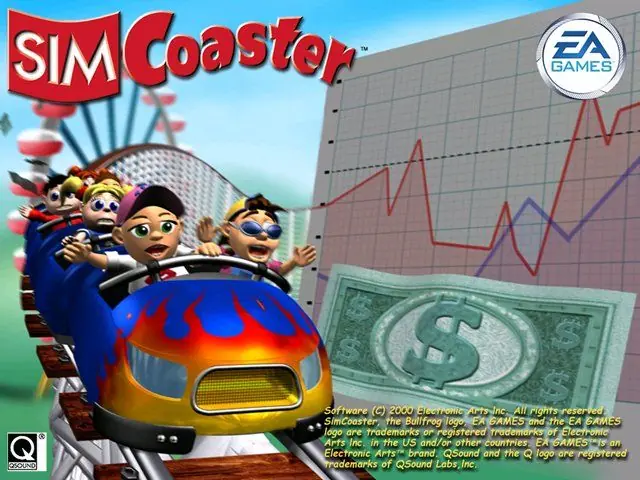
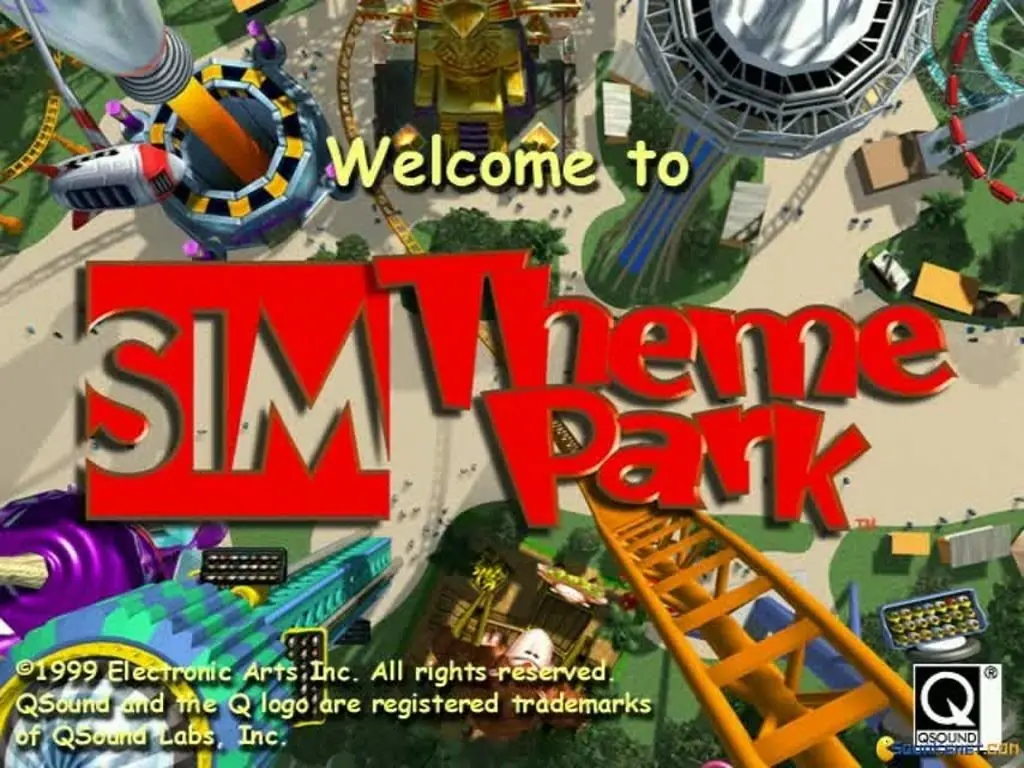
SimCoaster takes the operation of an amusement park, introduced in games such as Bullfrog's 1994 Theme Park and 1999's SimTheme Park, and focuses on the roller coaster as the main attraction. Successful overall management of the theme park requires efficiency in ride designs, layout, finances, facilities, public relations, human resources, monitoring customer happiness, and researching technological advances. Players can, however, ignore the micro-management aspects of every day operations and concentrate entirely on researching, building, testing, and riding roller coasters.

For gamers interested in managing a simulated theme park, specific tasks are offered in a mission-style format. By successfully completing tasks, players earn stock in the company and eventually become the successor to the retiring park president. Efficiency in hiring and firing staff (janitors, engineers, entertainers, guards, gardeners, and scientists), building attractions and rides, providing comfort and necessary amenities for customers, and ensuring visitor contentment all play a part in SimCoaster.

The game features more than 100 rides and sideshows, 18 roller coaster styles, and three distinctive themes (Land of Invention, Polar Zone, and Arabian Nights). In addition to pre-built coasters for use in the park, a Coaster Design Kit allows the development of roller coasters and flumes after researching them within the game. Creations can be shared with other coaster enthusiasts via e-mail or on the Internet.
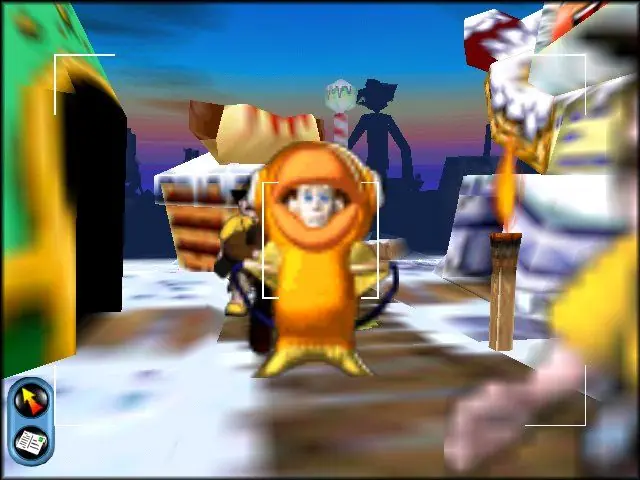
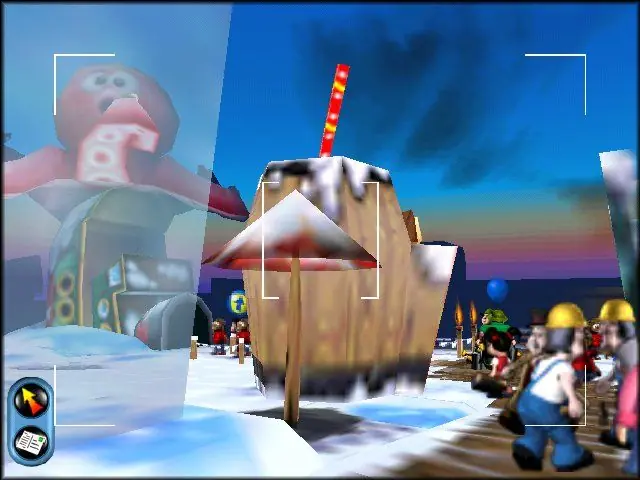
Screenshots

Windows

Theme Park Inc — Windows screenshot 1Theme Park Inc — Windows screenshot 2Theme Park Inc — Windows screenshot 3Theme Park Inc — Windows screenshot 4Theme Park Inc — Windows screenshot 5Theme Park Inc — Windows screenshot 6Theme Park Inc — Windows screenshot 7Theme Park Inc — Windows screenshot 8

Download Theme Park Inc

Theme Park Inc is abandonware and no longer sold or supported by its publishers. Files are archived here for these platforms:

Windows (2001)

  • Simcoaster_Win_RIP_EN.zipEN165.39 MB
  • Instructions Simcoaster_Win_RIP_EN.zip

    Troubleshooting:

    • Go to your games installation directory and change the lines 'GraphicalOptions.RENDER32' and 'GraphicalOptions.TEXTURE32' from '0' to '1' in your 'low.sam', 'med.sam' and 'high.sam' files in the 'Data' folder (they can be edited with notepad)
    • Run the game in compatibility mode for 'Windows XP (Service Pack 2)' and tick 'Run this program as an administrator'.
    • Enable DirectPlay for your computer
    • Download the "Theme Park Inc Windows NoCD (English)" file and then move the "Game.exe" file into the installation directory for Theme Park Inc.
  • Simcoaster_Win_ROM_EN.zipEN443.86 MB
  • Instructions Simcoaster_Win_ROM_EN.zip

    Troubleshooting:

    • Go to your games installation directory and change the lines 'GraphicalOptions.RENDER32' and 'GraphicalOptions.TEXTURE32' from '0' to '1' in your 'low.sam', 'med.sam' and 'high.sam' files in the 'Data' folder (they can be edited with notepad)
    • Run the game in compatibility mode for 'Windows XP (Service Pack 2)' and tick 'Run this program as an administrator'.
    • Enable DirectPlay for your computer
    • Download the "Theme Park Inc Windows NoCD (English)" file and then move the "Game.exe" file into the installation directory for Theme Park Inc.

Additional files, patches and fixes

Comments

40 thoughts on “Theme Park Inc”

  1. 0
    Does anyone know how to get the British English version as I used to play that version and the American voices are very jarring lol?
    Reply
  2. 0
    I’m able to play until I reach the “Operation Onwards!” objective – I can play in Land of Invention relatively fine but if I try to enter Polar Zone or Arabian Nights from here, I’m met with the loading screen which freezes upon completely loading; I’m unable to even close the application with Task Manager and have to restart my computer.
    Reply
  3. 0
    I can play until before the extended area of the park opens. Once i get to that point, i can’t build in the new area even if it says that the area is already open. Any fixes or help please? 🙁
    Reply
  4. 0
    Hi! I’m unable to install this, being told to enter a CD key but can’t find any in the downloaded files. How do I solve this issue? What am I missing? Thanks 🙂
    Reply
  5. 0
    Directed here while trying to get my physical copy working. I’ve used the new .exe from above, I’ve altered the High, Medium and Low files, set the combability mode and ran as administrator. The game launches, there’s music… and no voices… anybody have any idea what I’ve done wrong?
    Reply
    • 0
      Further to this is seems I’n stuck in the lobby. I can create a character profile by skipping the dialogue that never comes but once I hit launch I’m stuck staring at the door that never open while the music plays on.
      Reply
      • 0
        Solution found! On a reddit thread:

        Just restart the computer. I don’t know why this works – neither did anyone else in the thread – but it does work!

        Reply
  6. 0
    Whenever I try to open the app (after unzipping and instalation succeeded), it just doesnt do anything. Does anyone know what this could be? No errors are shown
    Reply
    • 0
      It could be that you still need to set your compatibility to an older version of windows. Right click the application, properties, compatibility, tick the “run in compatibility mode” box, then select “Windows XP (Service Pack 2)” from the dropdown; hit apply and try launching it again.
      Reply
  7. 0
    how do you make challenges easier since I am having a hard time completing them can i edit the challenges.sam file to make them easier
    Reply
  8. 0
    how doyou get this to work with dgvoodoo2 everytime i start up the game i get black all over the screen and i can’t see the colour also my game crashes a lot as well i have done notepad stuff and no cd but nothing seems to work also i am trying to play the game in 1920×1080
    Reply
  9. 0
    Hi I’m trying to get theme park inc working on windows 10 with dgvoodoo but the game graphics mess up and I can’t see anything anyone know how to get it working
    Reply
  10. -1
    can’t complete Rival Roller Coaster says track invalid also when I click on edit track when fully complete it crashes the game
    Reply