Home » Games » My Little Pony: Friendship Gardens
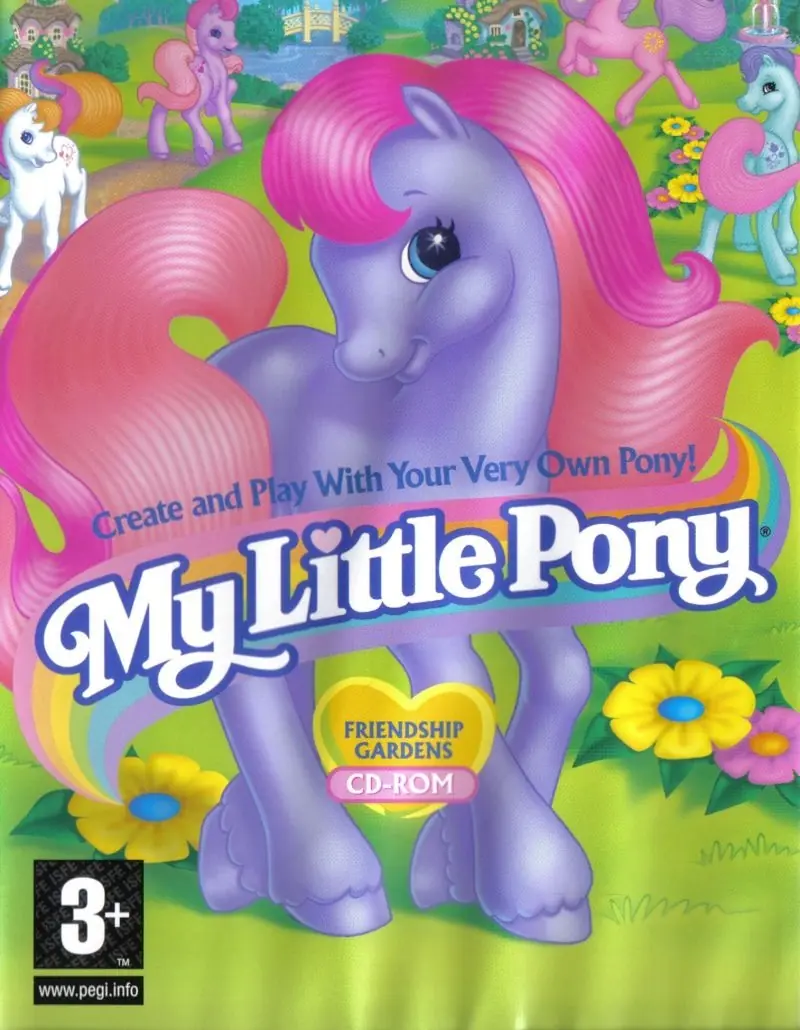
My Little Pony: Friendship Gardens

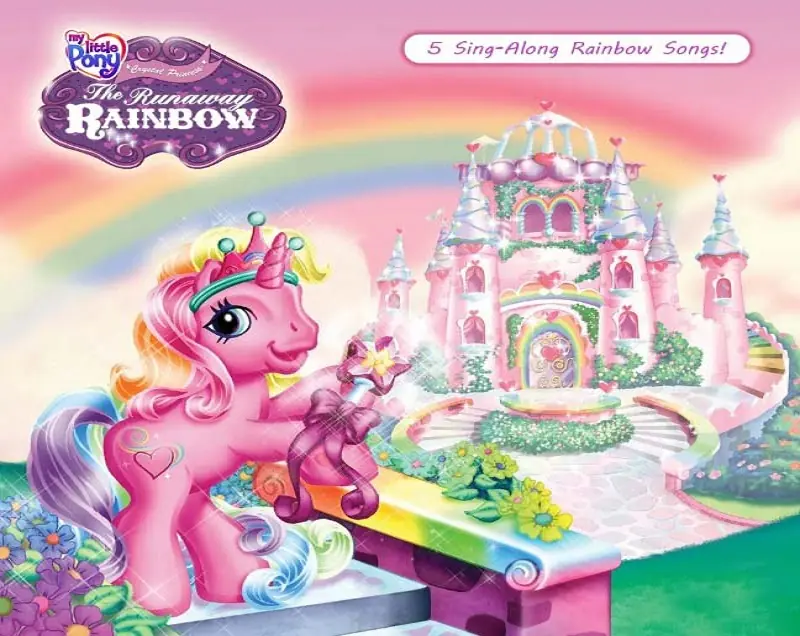
My Little Pony: Friendship Gardens Game Cover
4.6/5 - 102 votes

My Little Pony: Friendship Gardens is a 1998 adventure game developed by Artech Studios and published by Infogrames Europe.
Genres
Publishers
Developers
Released
Platforms
Download

Screenshots

Windows

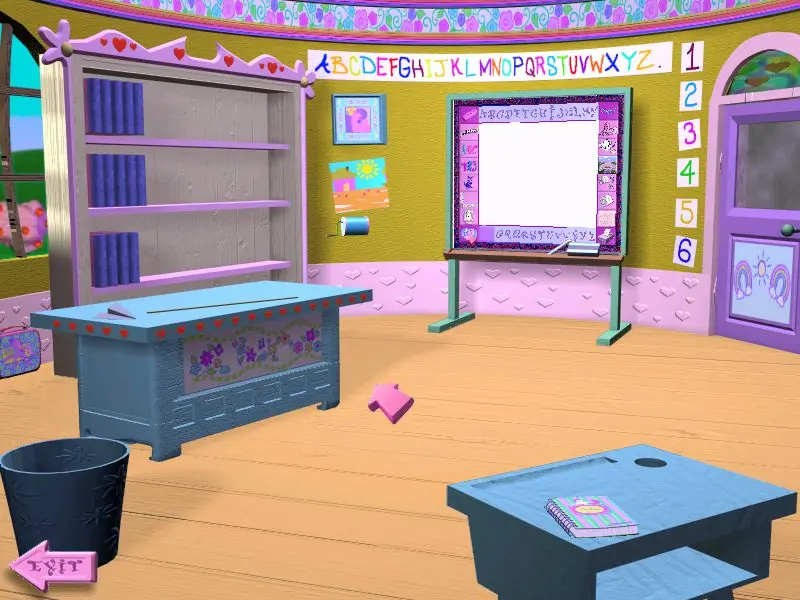
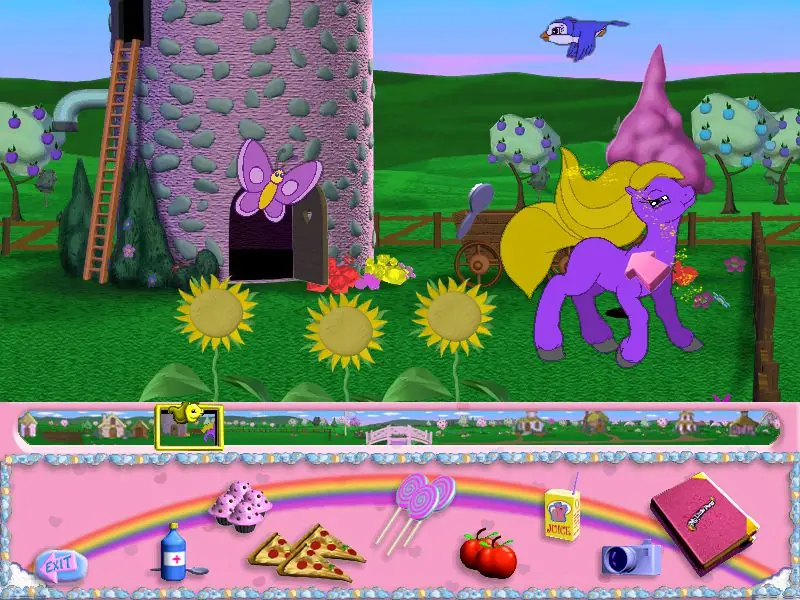
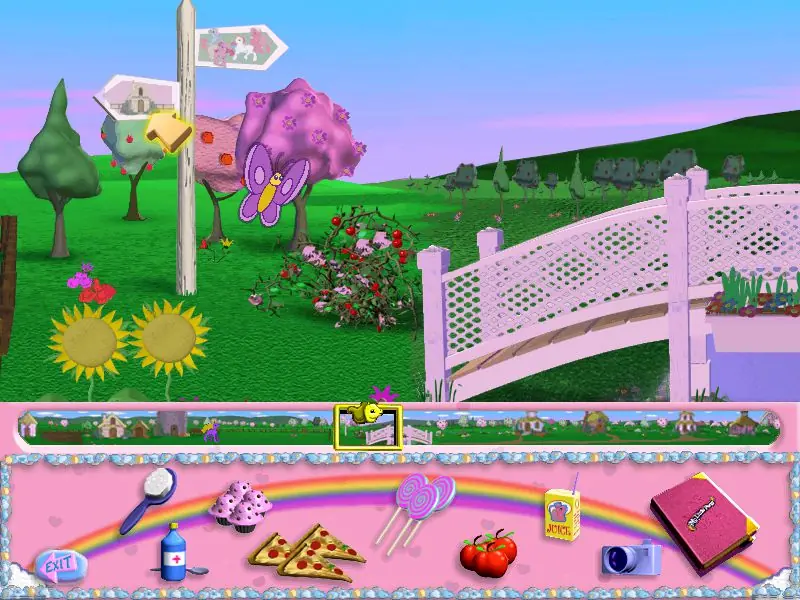
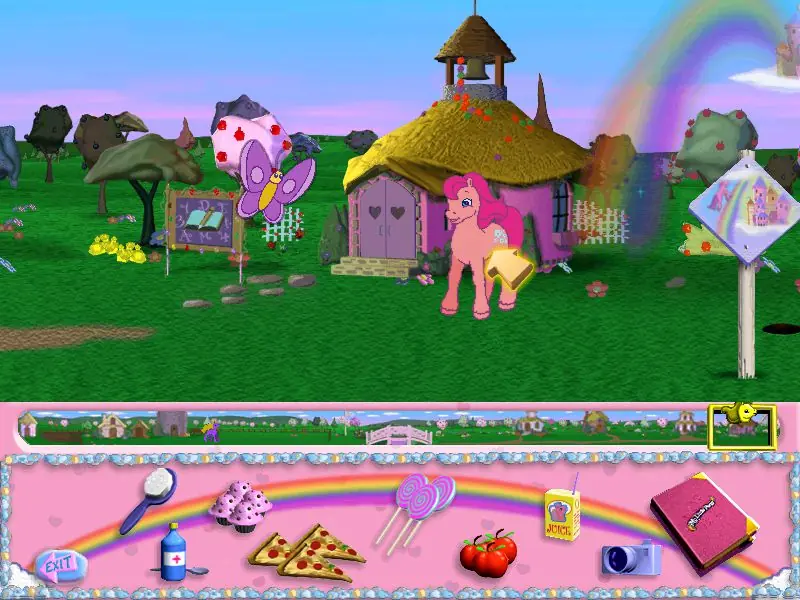
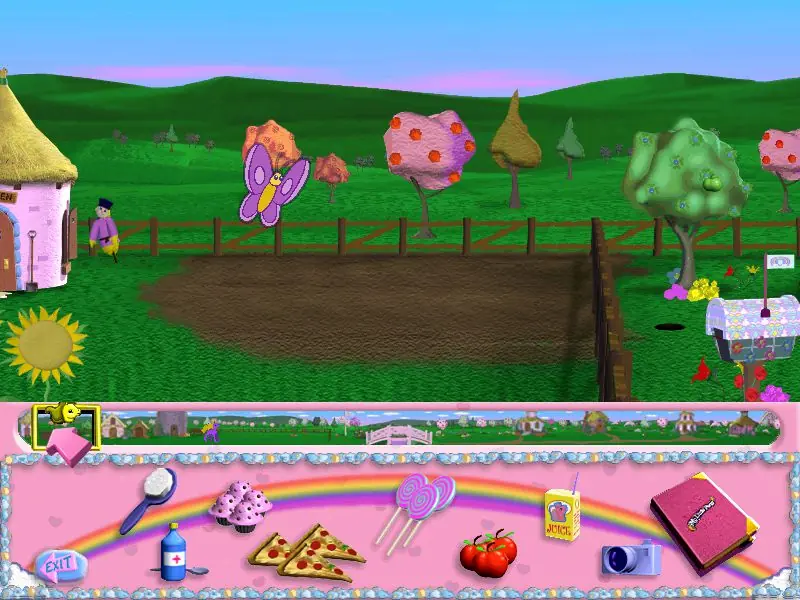
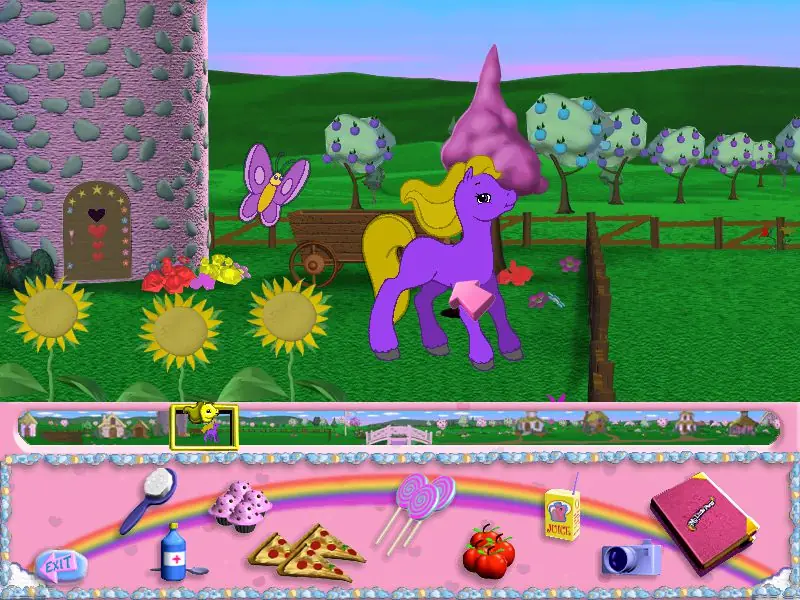
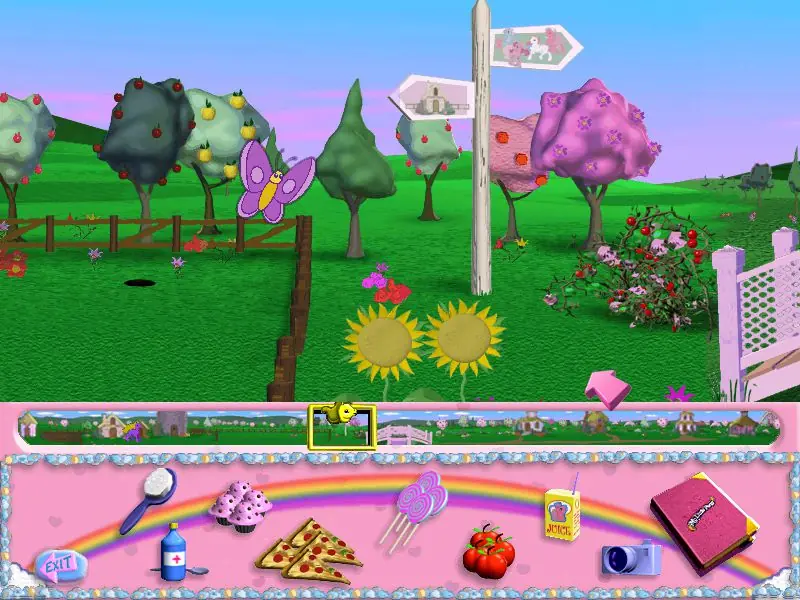
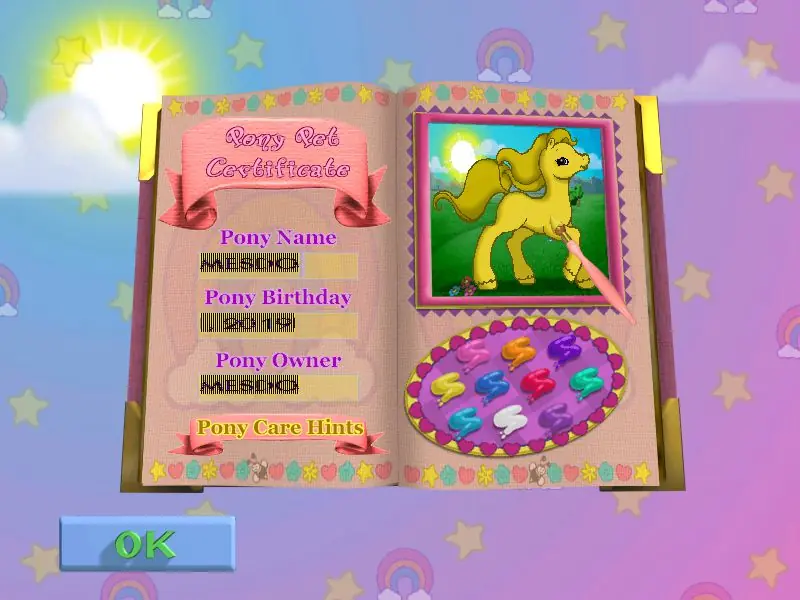
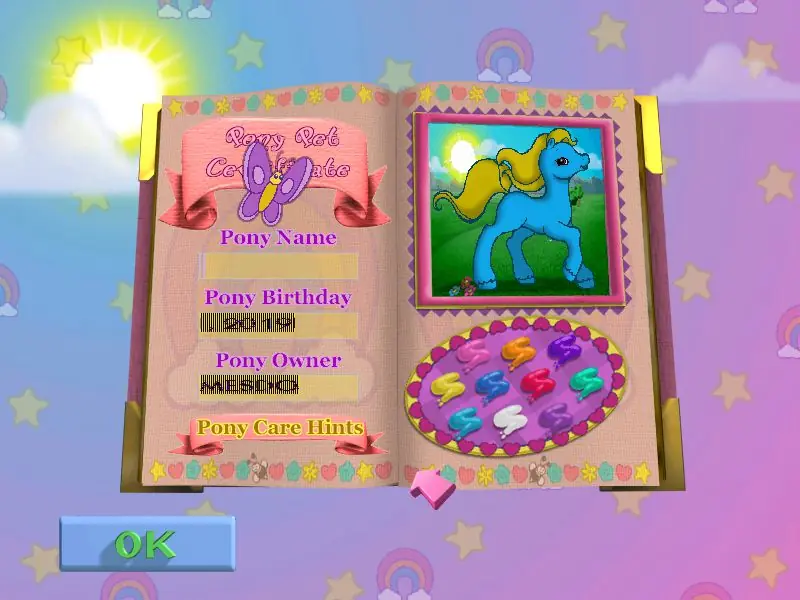
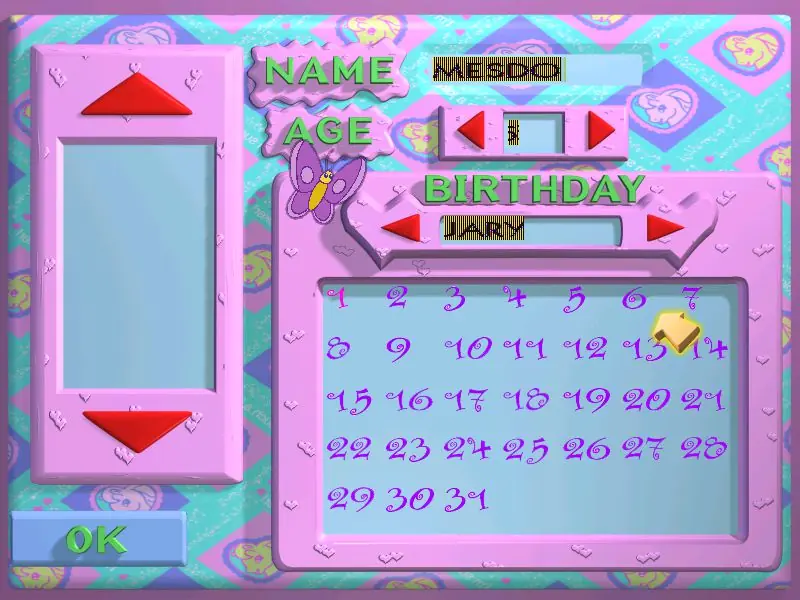
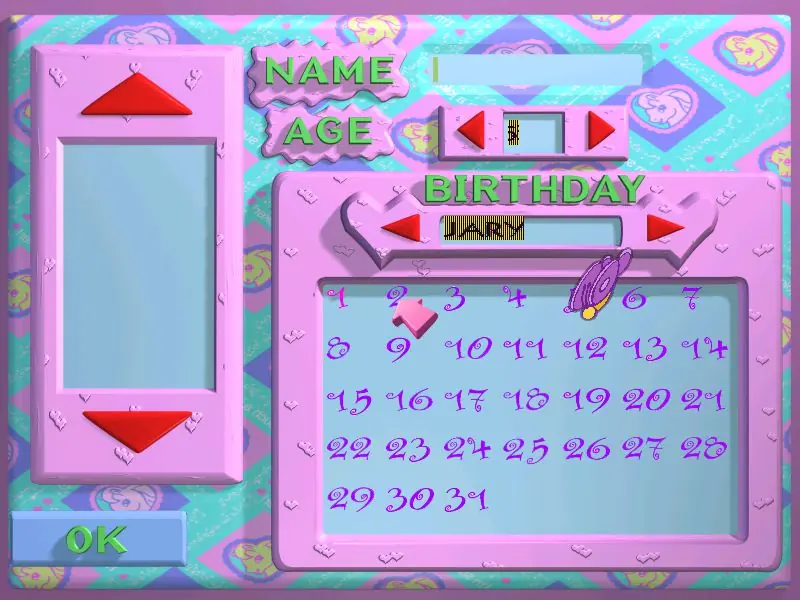
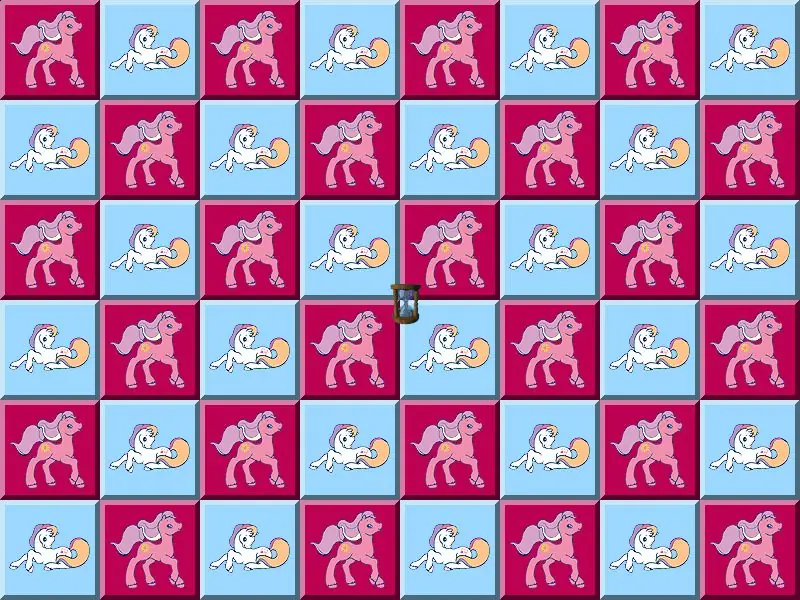
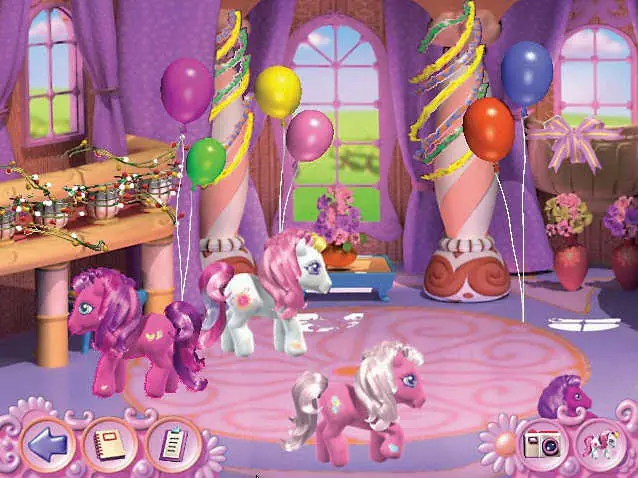
My Little Pony: Friendship Gardens — Windows screenshot 1My Little Pony: Friendship Gardens — Windows screenshot 2My Little Pony: Friendship Gardens — Windows screenshot 3My Little Pony: Friendship Gardens — Windows screenshot 4My Little Pony: Friendship Gardens — Windows screenshot 5My Little Pony: Friendship Gardens — Windows screenshot 6My Little Pony: Friendship Gardens — Windows screenshot 7My Little Pony: Friendship Gardens — Windows screenshot 8My Little Pony: Friendship Gardens — Windows screenshot 9My Little Pony: Friendship Gardens — Windows screenshot 10My Little Pony: Friendship Gardens — Windows screenshot 11My Little Pony: Friendship Gardens — Windows screenshot 12My Little Pony: Friendship Gardens — Windows screenshot 13My Little Pony: Friendship Gardens — Windows screenshot 14My Little Pony: Friendship Gardens — Windows screenshot 15

Download My Little Pony: Friendship Gardens

My Little Pony: Friendship Gardens is abandonware and no longer sold or supported by its publishers. Files are archived here for these platforms:

Windows (1998)

  • My_Little_Pony_Friendship_Gardens_Win_ISO_EN.7zEN366.05 MB
  • Instructions My_Little_Pony_Friendship_Gardens_Win_ISO_EN.7z

    How to play on Windows

    1. Download and Extract My_Little_Pony_Friendship_Gardens_Win_ISO_EN.7z
    2. Open the "Game Files" folder and mount OGD.My.Little.Pony.iso (if you're not sure how to do this, please refer to this help article: https://oldgamesdownload.com/wiki/install-games-on-windows/)
    3. Run the game "SETUP.EXE" as an administrator (Right Click > Run as administrator) and follow on-screen instructions to install the game
    4. Double click on "Play My Little Pony" in the window which pops up when installation is finished
    5. Play the game

Comments

71 thoughts on “My Little Pony: Friendship Gardens”

  1. 1
    I am having issues with screen flickering and cut off/glitchy text. I followed the install correctly and ran it in capability mode for windows XP, 98 and 95 and it just won’t work properly.
    Reply
  2. 0
    When I open this game there’s a weird misalignment with my mouse and the screen. It’s skewed off so I have to press far right of anything I want to click. I’m on Windows 11. If anyone knows how I can fix this I’d love to hear your thoughts!
    Reply
    • 0
      I’m having the same issue! I’m running it on a program called parallels, but not matter what settings I choose it’s zoomed in and I can’t play it properly :’)
      Reply
  3. 0
    It says ‘Item not available’ every time I try to download, does anyone know if this is an issue on my end or if the download link is no longer working?
    Reply
  4. 0
    Sorry to return but I’ve consistently had a hard time getting the first puzzle game, where you switch which parts of the image you need lined up, to work. It freezes every time I complete any. I’ve let my Windows 10 laptop run compatibility for me with no luck.
    Reply
  5. 0
    Does OTDVM help keep save files? I never figured out how to access my other saves I have to keep restarting cause my names never show up.
    Reply