Home » Games » My Little Pony: Friendship Gardens
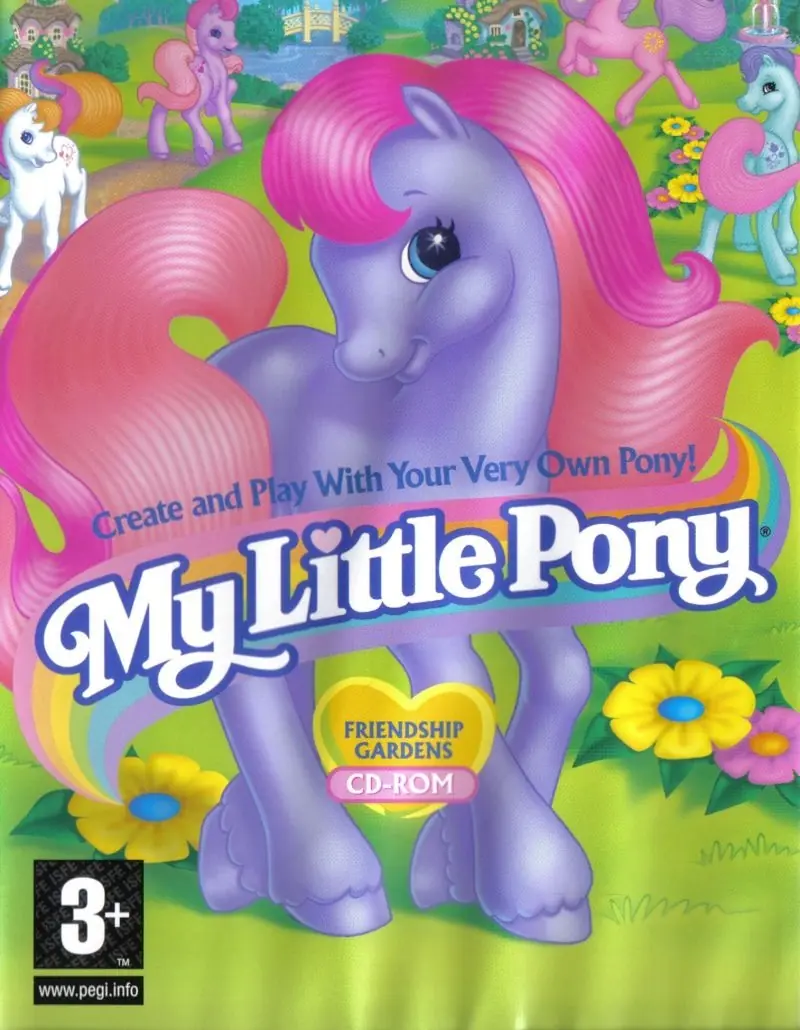
My Little Pony: Friendship Gardens

My Little Pony: Friendship Gardens Game Cover
4.6/5 - 102 votes

My Little Pony: Friendship Gardens is a 1998 adventure game developed by Artech Studios and published by Infogrames Europe.
Genres
Publishers
Developers
Released
Platforms
Download

Screenshots

Windows

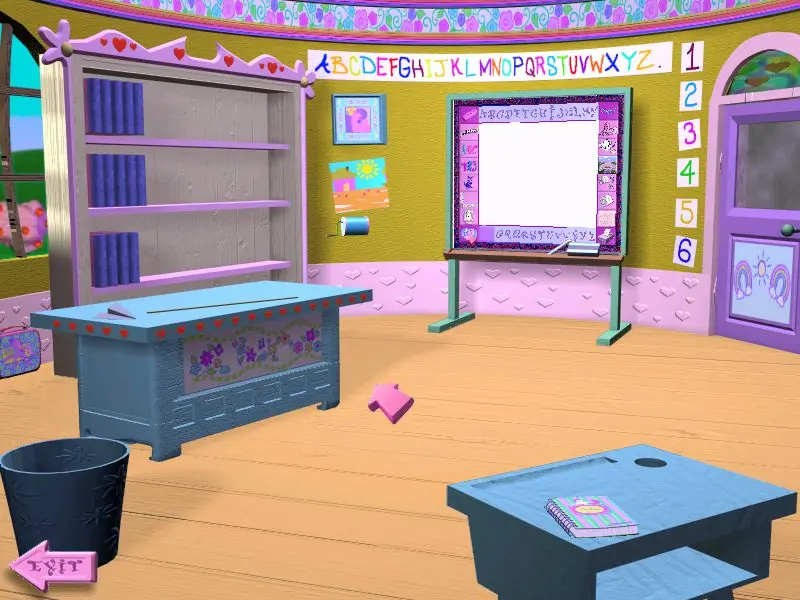
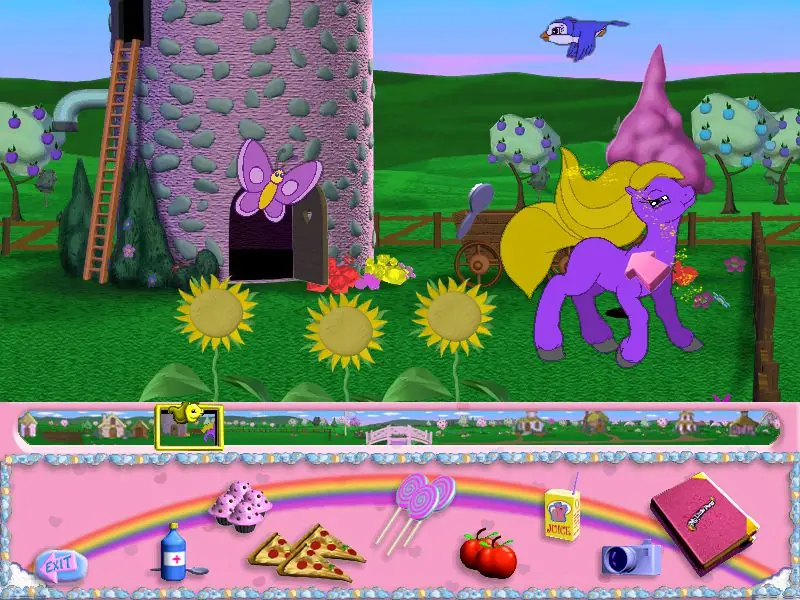
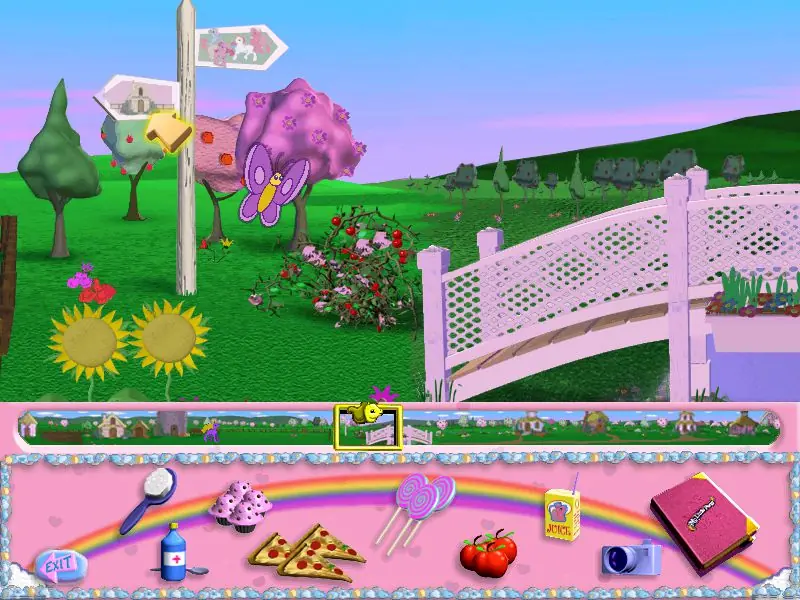
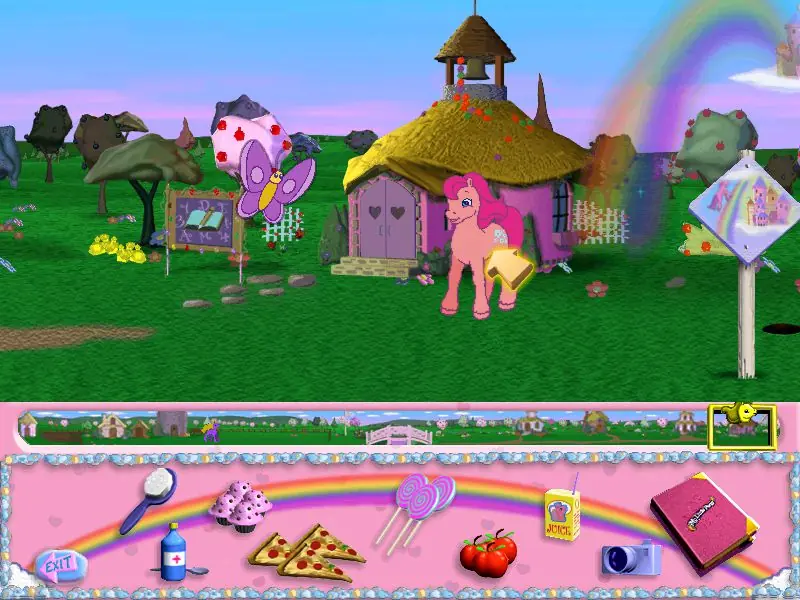
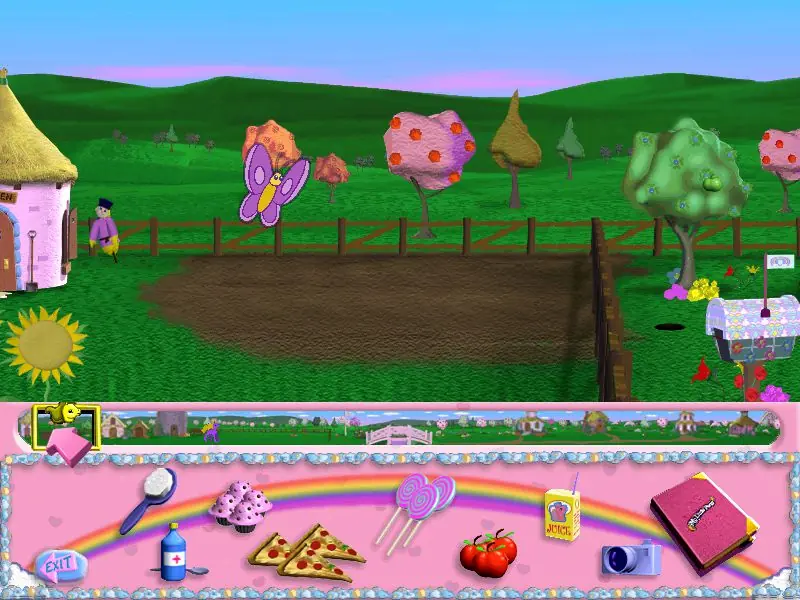
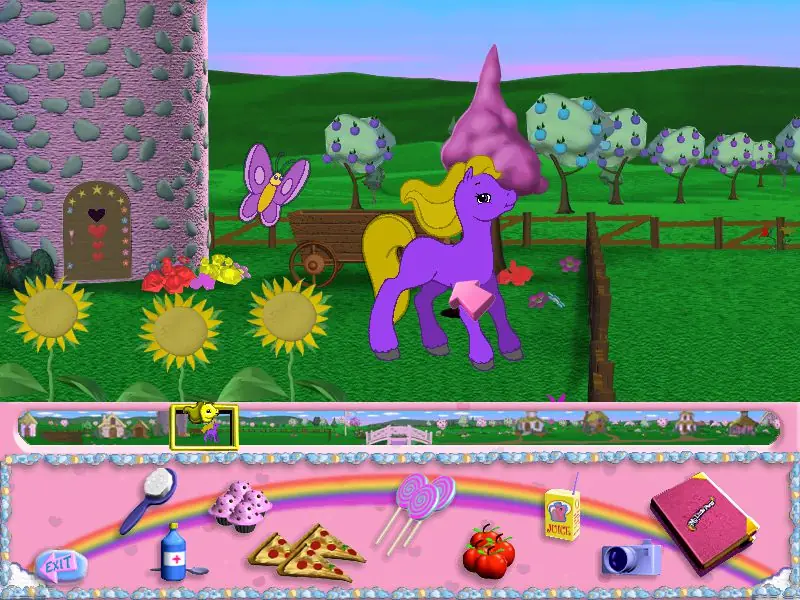
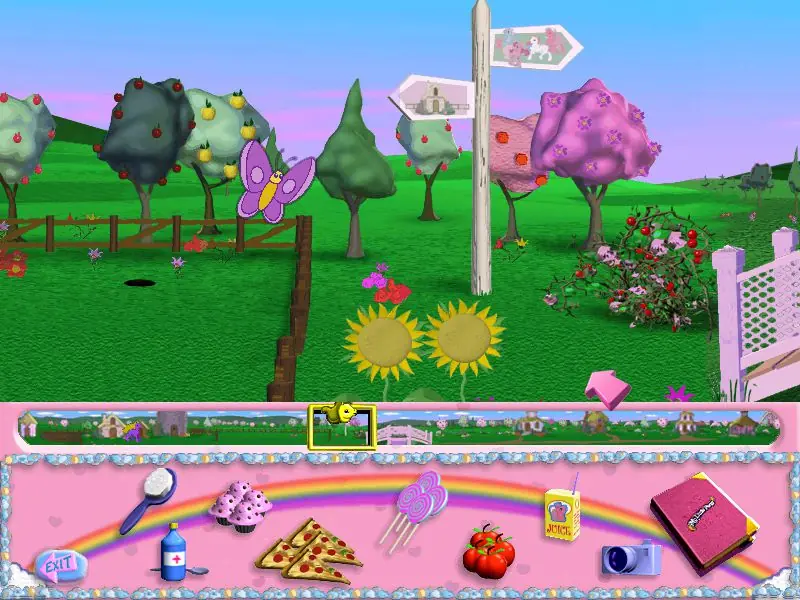
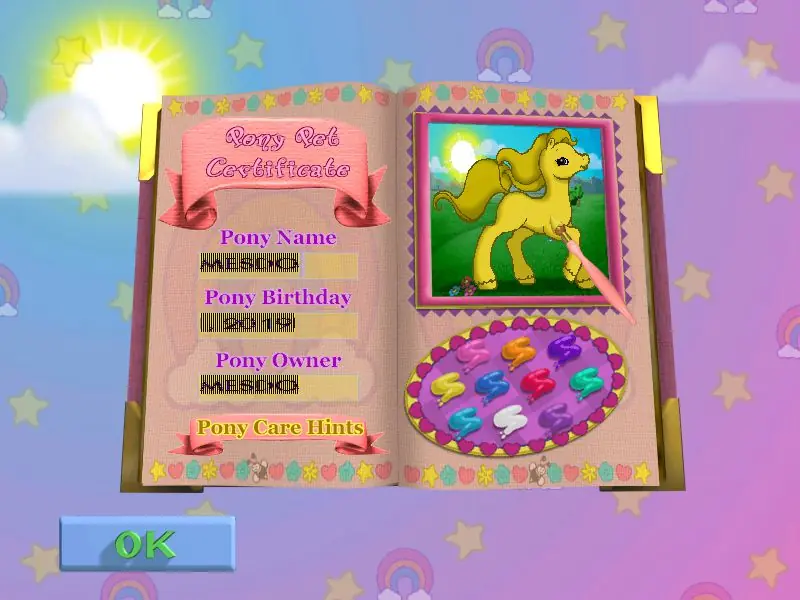
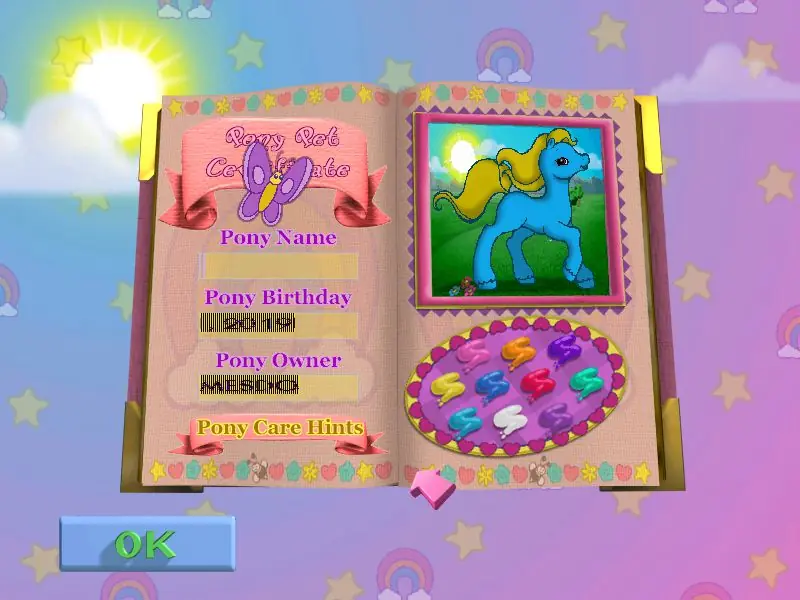
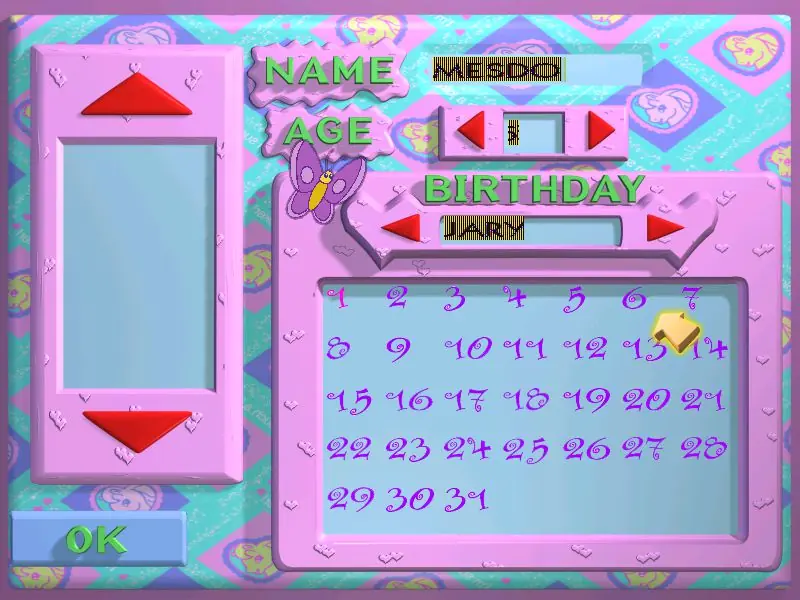
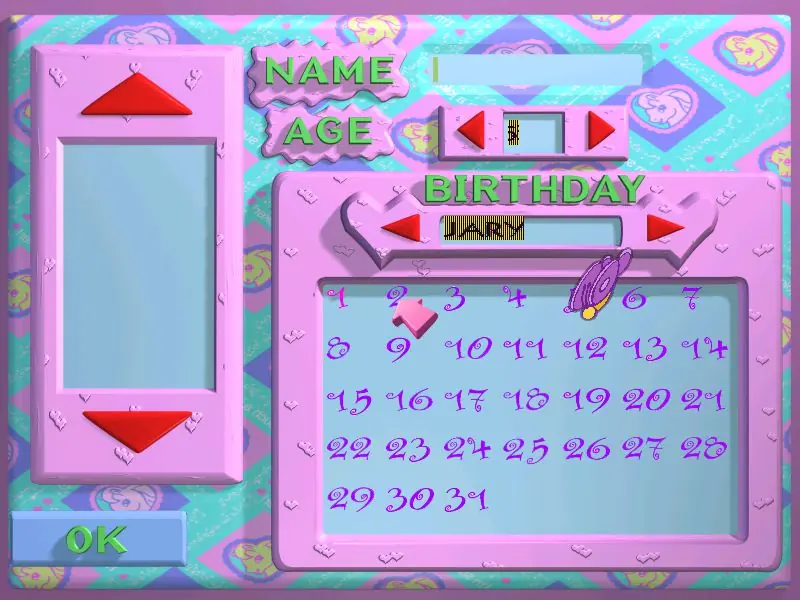
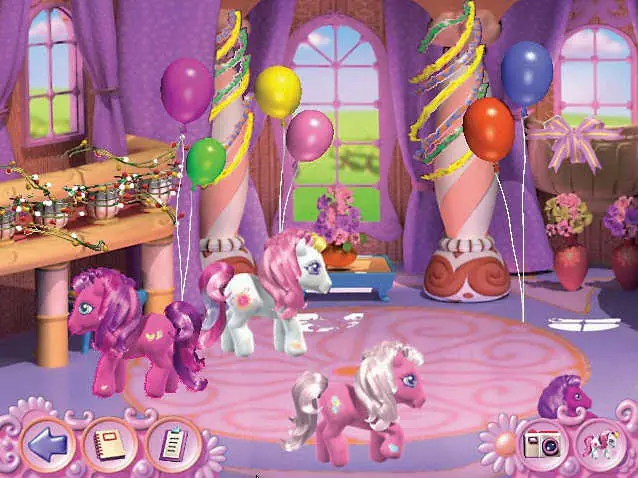
My Little Pony: Friendship Gardens — Windows screenshot 1My Little Pony: Friendship Gardens — Windows screenshot 2My Little Pony: Friendship Gardens — Windows screenshot 3My Little Pony: Friendship Gardens — Windows screenshot 4My Little Pony: Friendship Gardens — Windows screenshot 5My Little Pony: Friendship Gardens — Windows screenshot 6My Little Pony: Friendship Gardens — Windows screenshot 7My Little Pony: Friendship Gardens — Windows screenshot 8My Little Pony: Friendship Gardens — Windows screenshot 9My Little Pony: Friendship Gardens — Windows screenshot 10My Little Pony: Friendship Gardens — Windows screenshot 11My Little Pony: Friendship Gardens — Windows screenshot 12My Little Pony: Friendship Gardens — Windows screenshot 13My Little Pony: Friendship Gardens — Windows screenshot 14My Little Pony: Friendship Gardens — Windows screenshot 15

Download My Little Pony: Friendship Gardens

My Little Pony: Friendship Gardens is abandonware and no longer sold or supported by its publishers. Files are archived here for these platforms:

Windows (1998)

  • My_Little_Pony_Friendship_Gardens_Win_ISO_EN.7zEN366.05 MB
  • Instructions My_Little_Pony_Friendship_Gardens_Win_ISO_EN.7z

    How to play on Windows

    1. Download and Extract My_Little_Pony_Friendship_Gardens_Win_ISO_EN.7z
    2. Open the "Game Files" folder and mount OGD.My.Little.Pony.iso (if you're not sure how to do this, please refer to this help article: https://oldgamesdownload.com/wiki/install-games-on-windows/)
    3. Run the game "SETUP.EXE" as an administrator (Right Click > Run as administrator) and follow on-screen instructions to install the game
    4. Double click on "Play My Little Pony" in the window which pops up when installation is finished
    5. Play the game

Comments

71 thoughts on “My Little Pony: Friendship Gardens”

    • 0
      I can’t seem to locate a iso file, can you help? I see archive files that say iso but not an actual file.
      Reply
      • 0
        Download the .7z file from this page and open the zipped file. It has a folder called “Game Files” that contains the ISO. I have a long comment I posted explaining what to do from there.
        Reply
  1. 0
    I can’t seem to get this game TT_TT Every time I download it, I just end up with an unopenable 7Z file. I really want to play it but no luck
    Reply
  2. 0
    Managed to get to the Game Files, but upon running SETUP.exe as admin, “this app can’t run on your PC” pops up. Not sure how to fix.
    Reply
  3. 0
    wont let me run the setup.exe file. I mounted the iso already and tried to “run as administrator” but still can’t find the problem. plz help.
    Reply
  4. 0
    I used to have this game when I was little and loved it. I was so excited to find it here! However, I’m having a problem. I can start it up okay, but the screen is cut off. I only see the top-left corner and not the full screen. I’ve tried messing with properties and settings, including DPI, but I just can’t figure out how to fix this. I really, really want to play this game again, it’s a total nostalgia thing for me. Any help?
    Reply
  5. 0
    Can anyone help? I got into the part where the butterfly asks you to sign in but the text is glitchy and it will only let me type my name and i can’t click okay to progress. Please my sisters and I really really want to play
    Reply
  6. 0
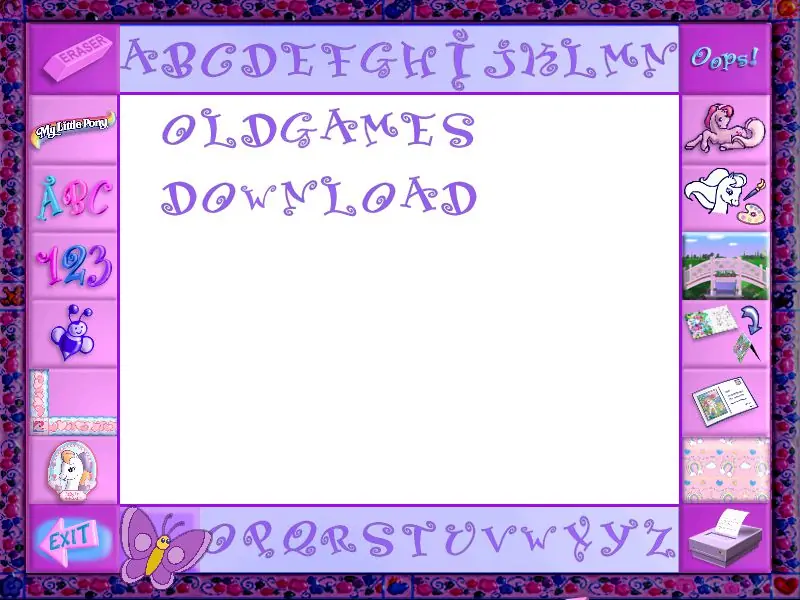
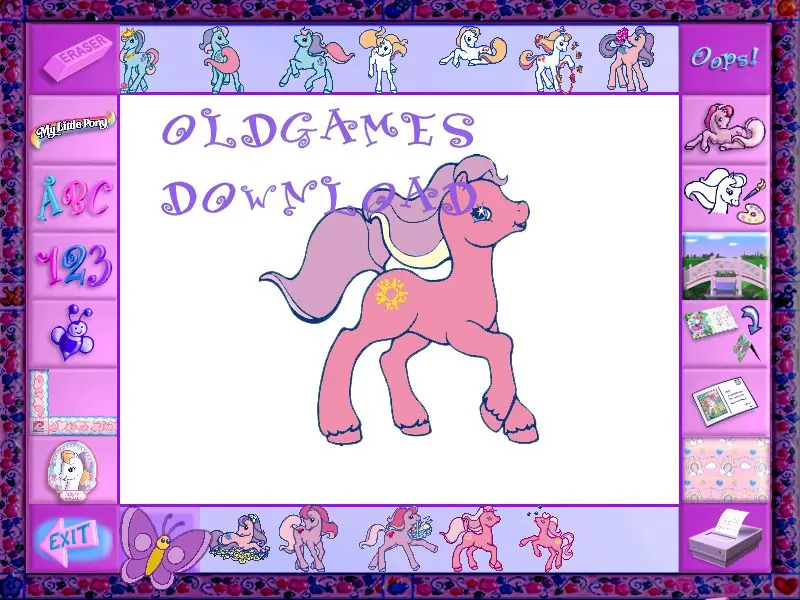
    I found that the text was glitchy just like in the photos above (as in where you type your name) and the game would crash occasionally. There was also the issues of when I tried playing it the day after I downloaded it, the game prompted me to insert the disk. I just deleted the game and redownloaded it again, but it was kind of an inconvenience.
    Reply
  7. 0
    The text in the game has some issues (the part where you write your name or the Pony’s name) as it looks glitchy (Just like in the pictures above) and it does not save your progress 🙁
    Reply

Similar games