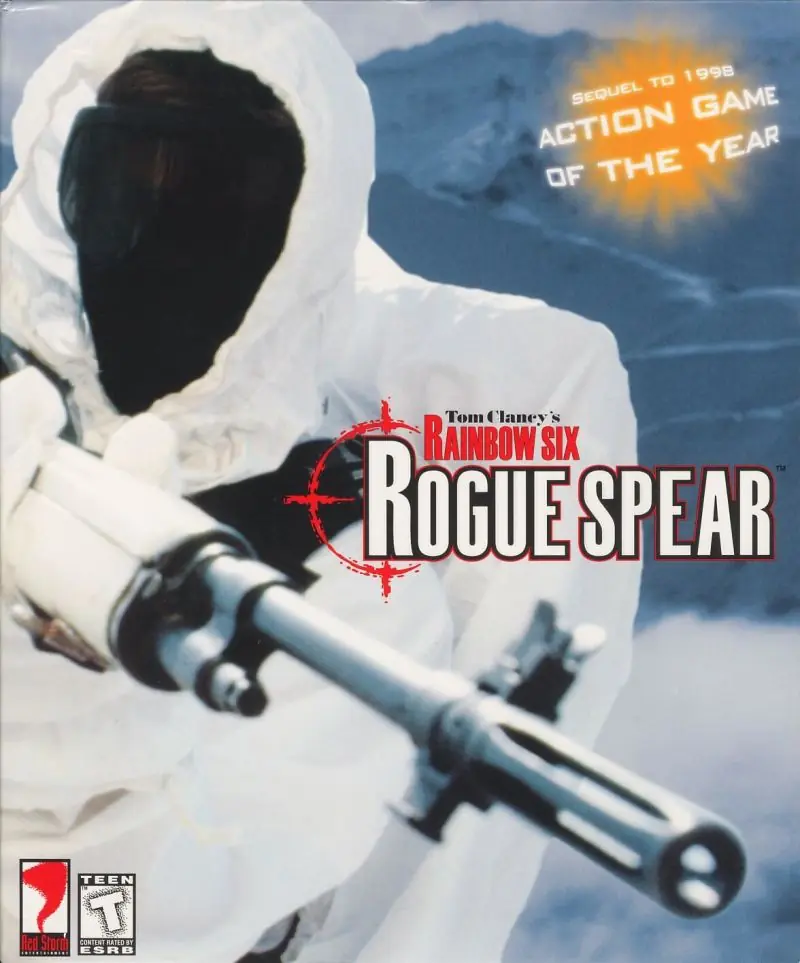
About Tom Clancy’s Rainbow Six: Rogue Spear
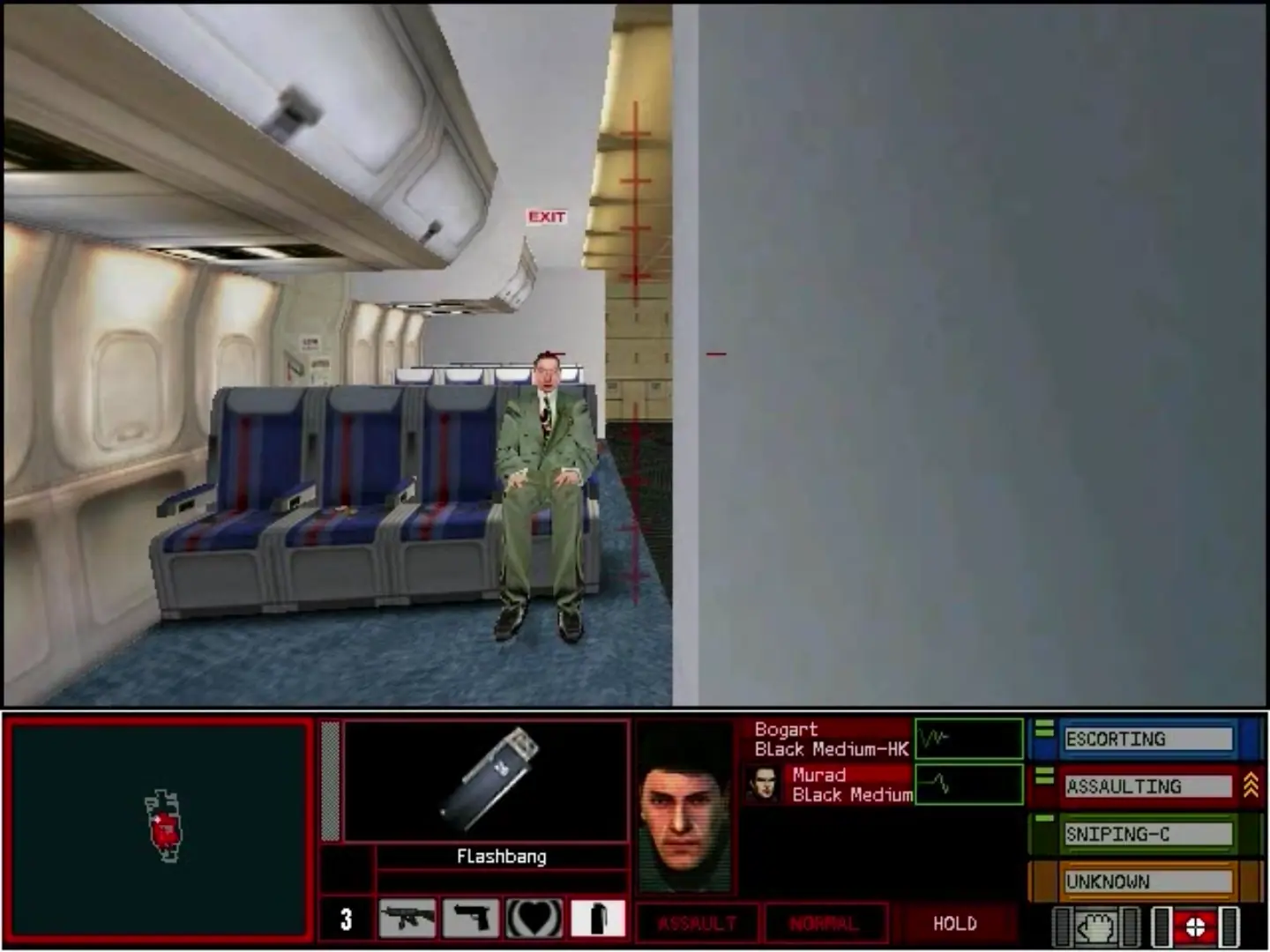
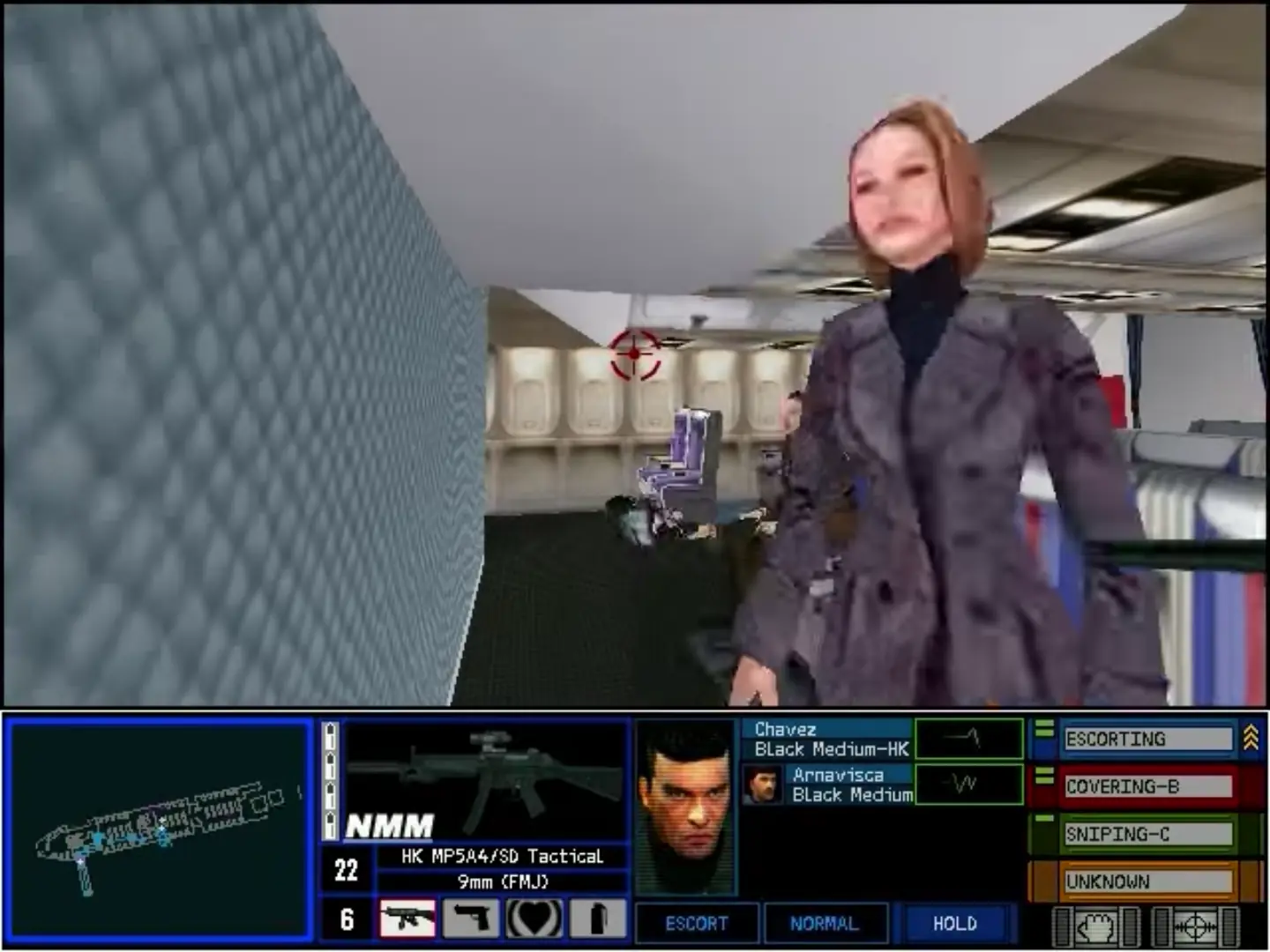
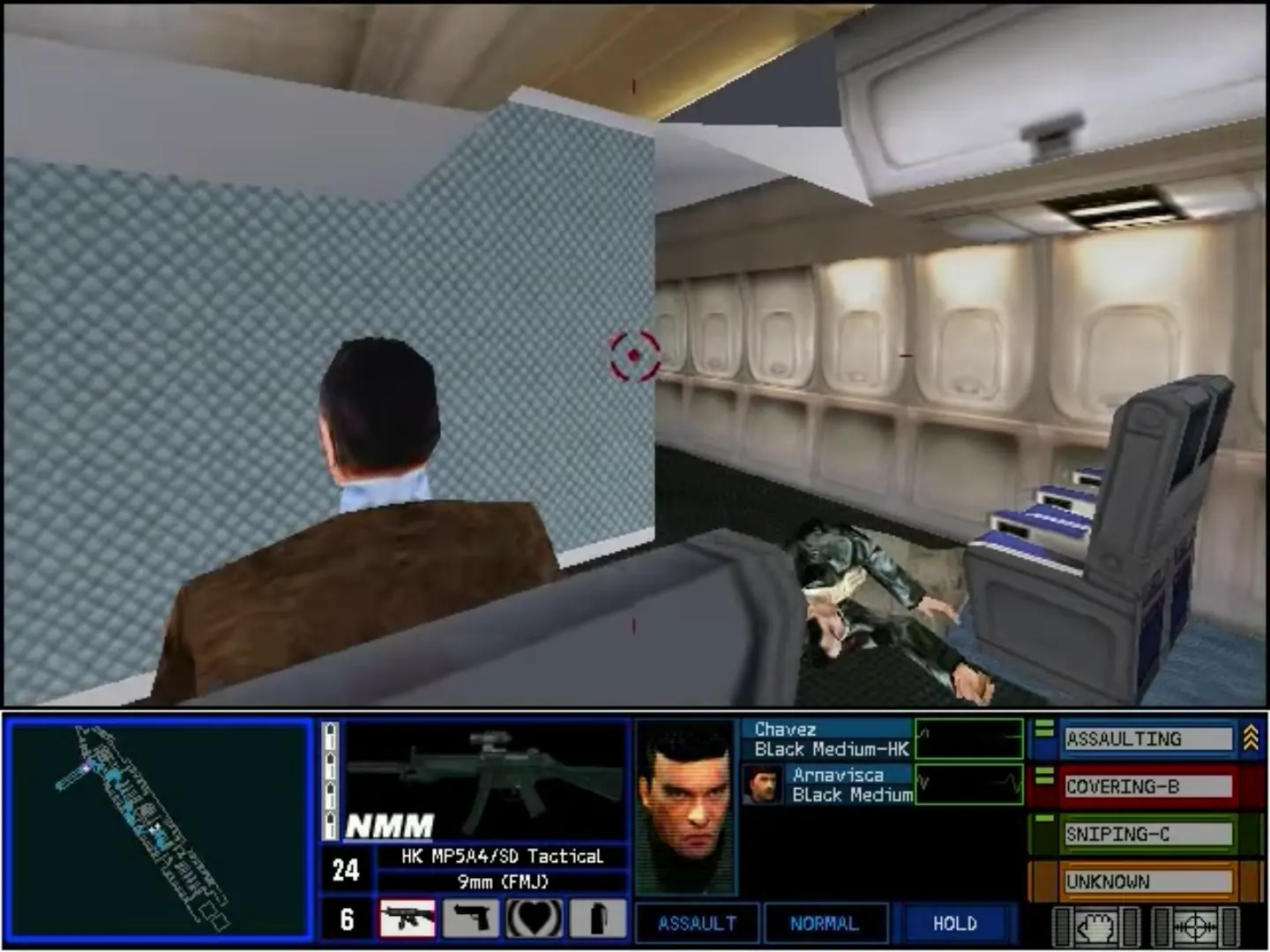
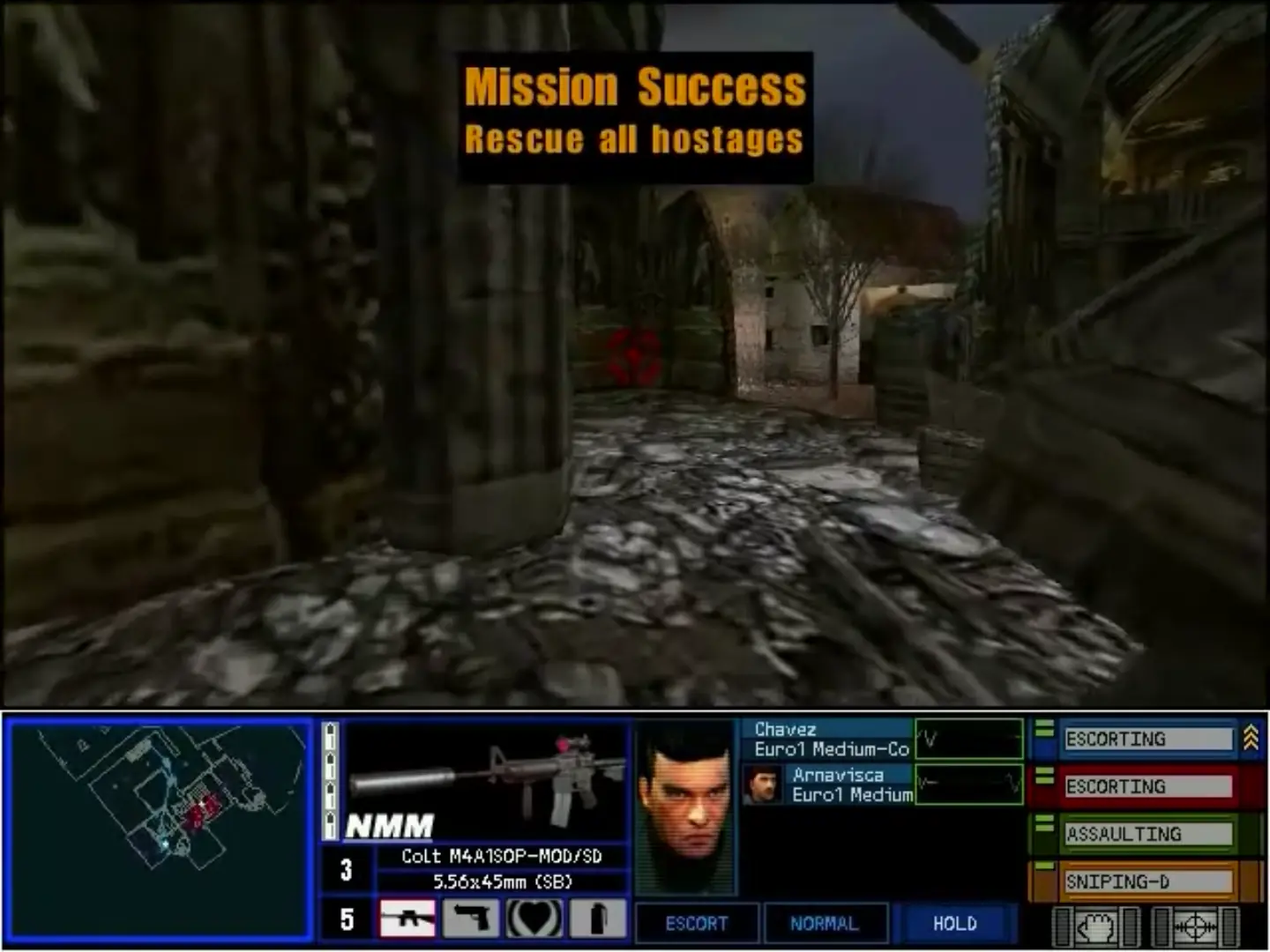
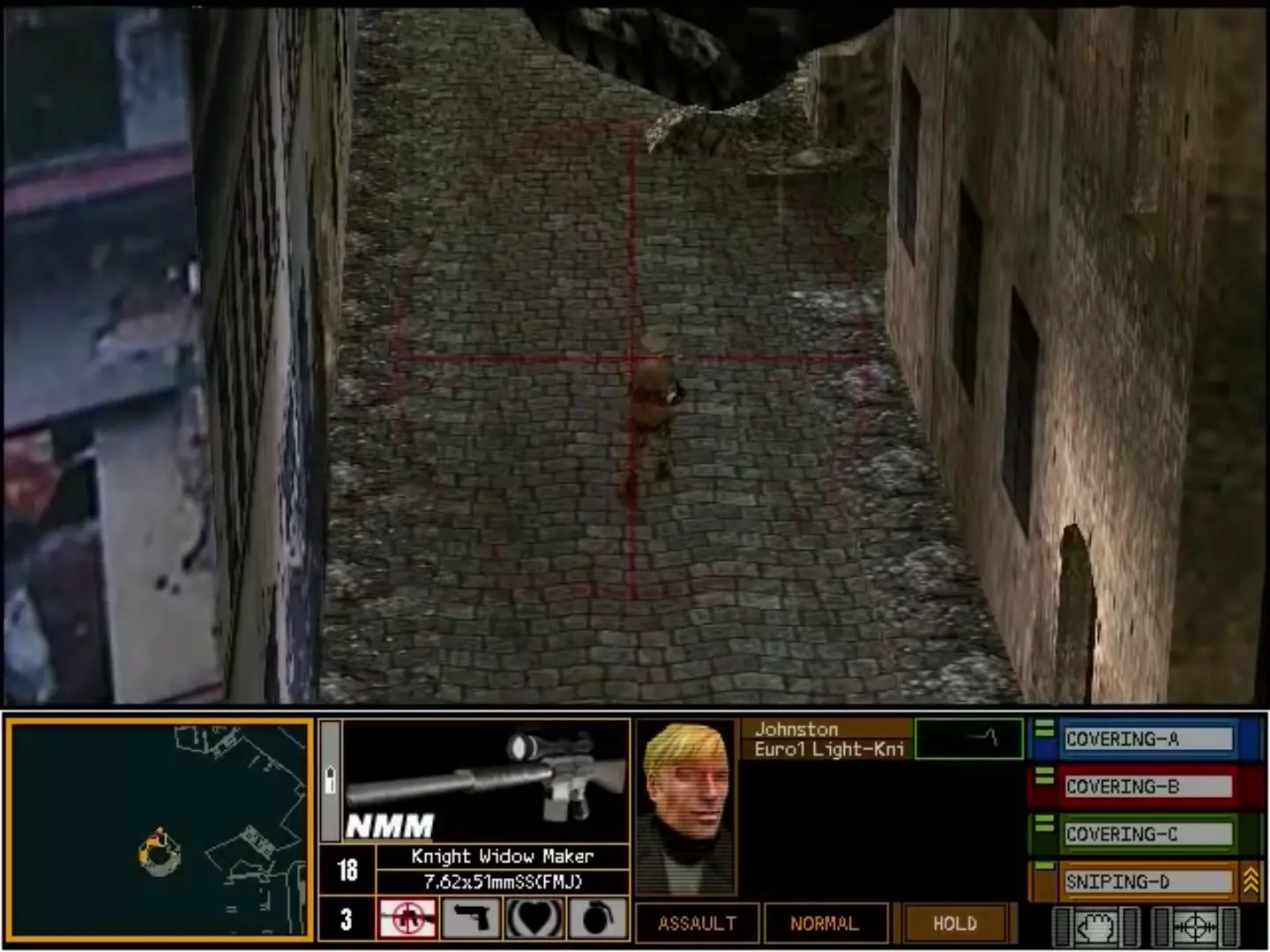
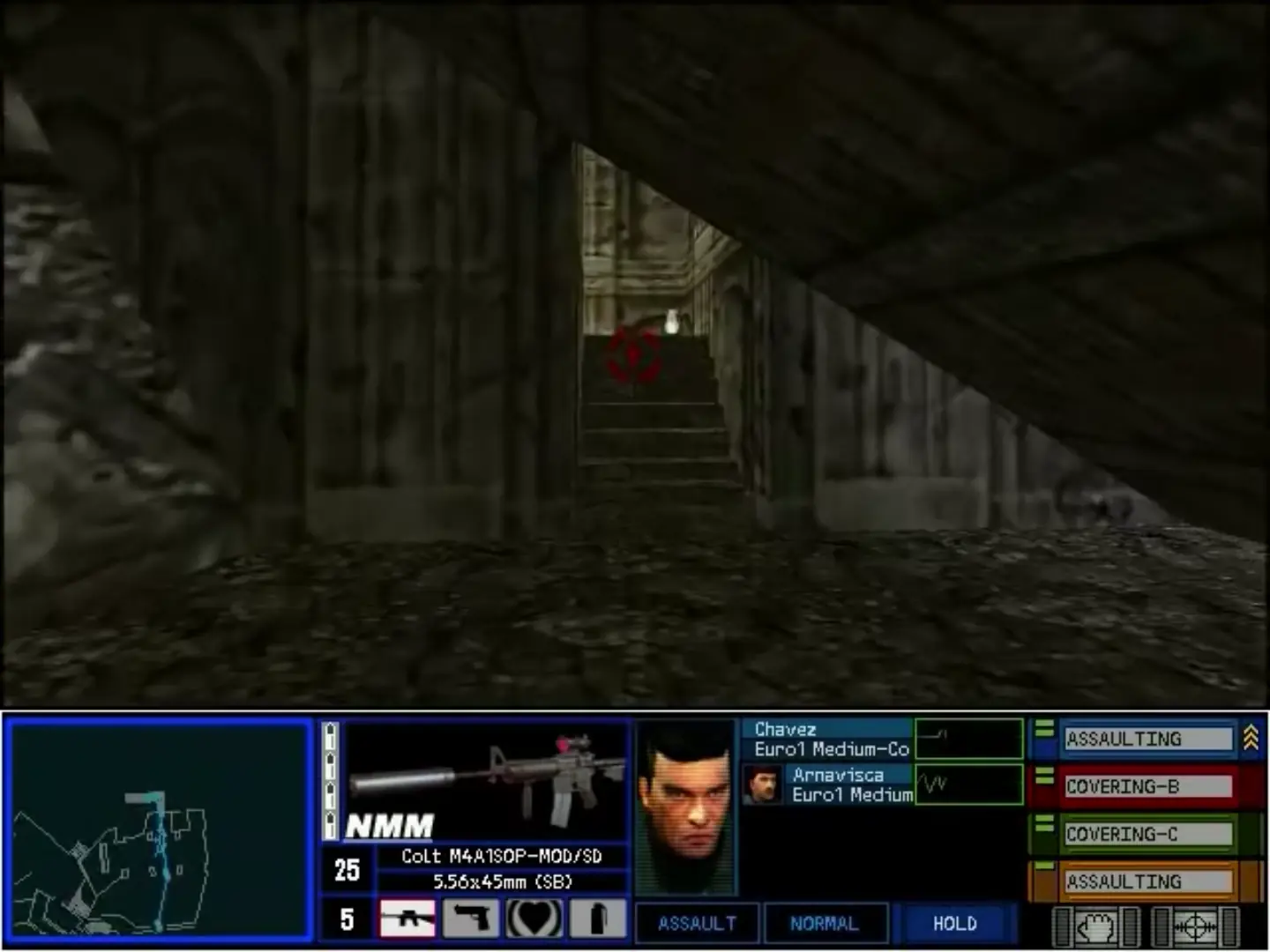
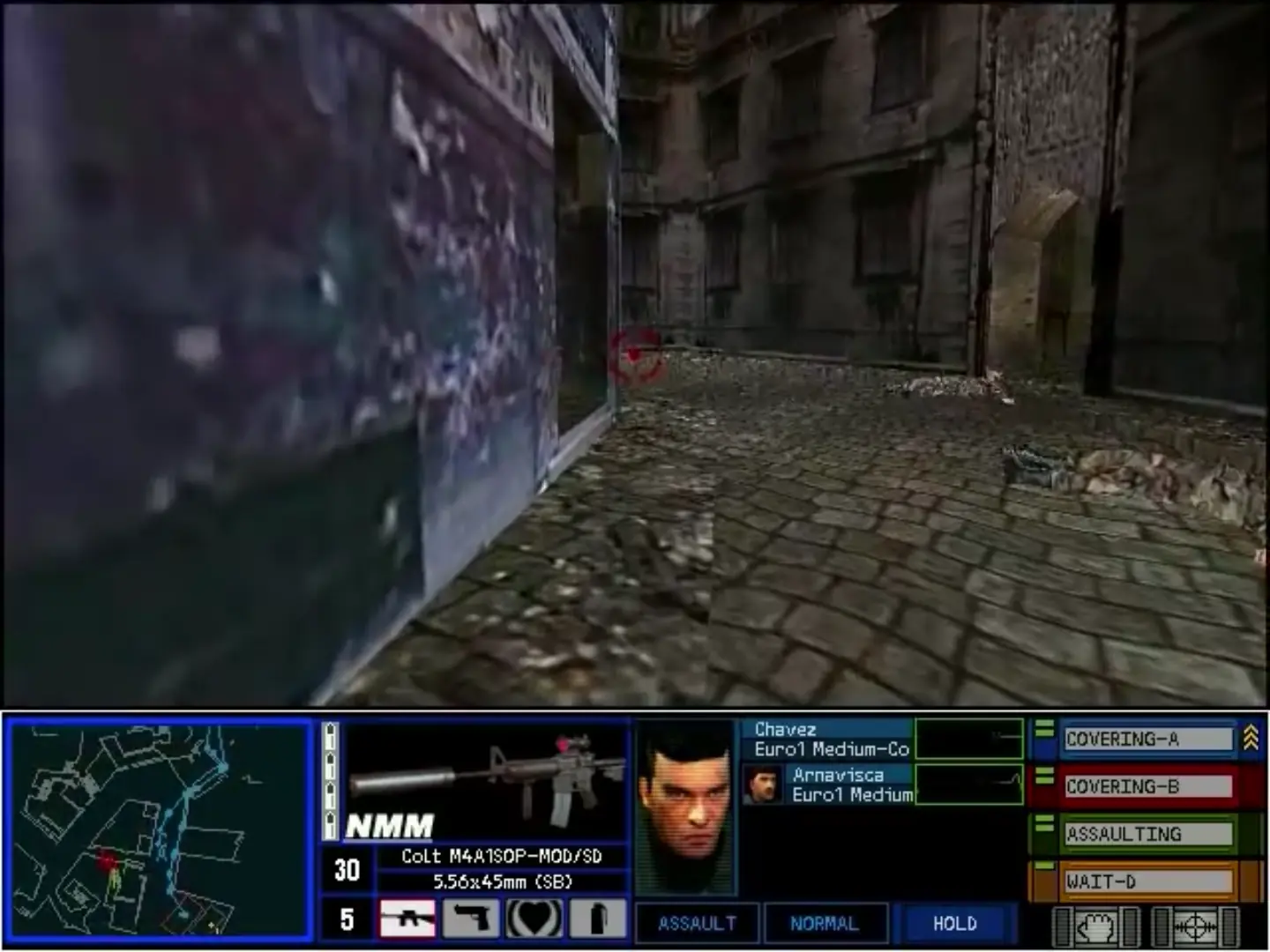
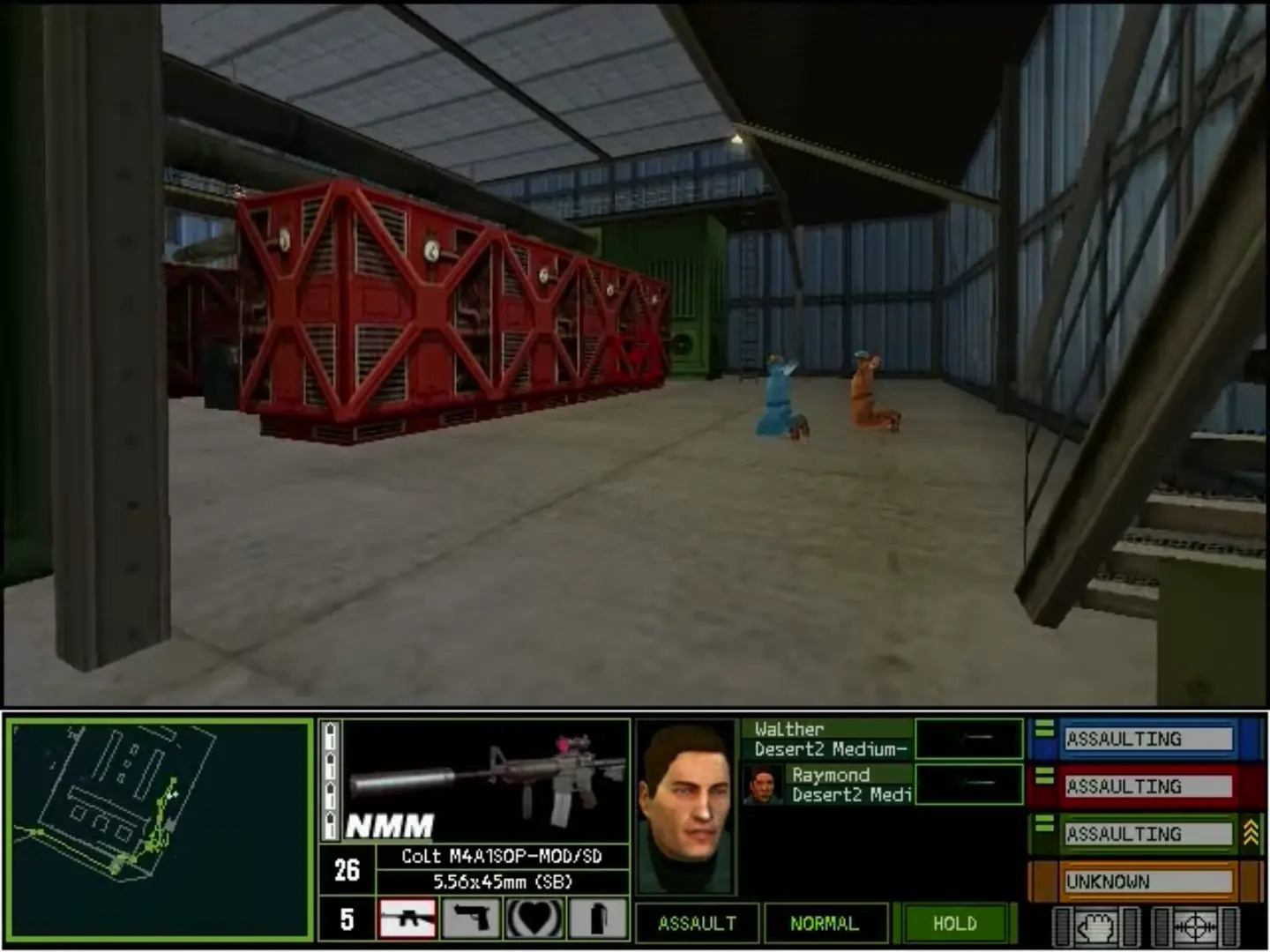
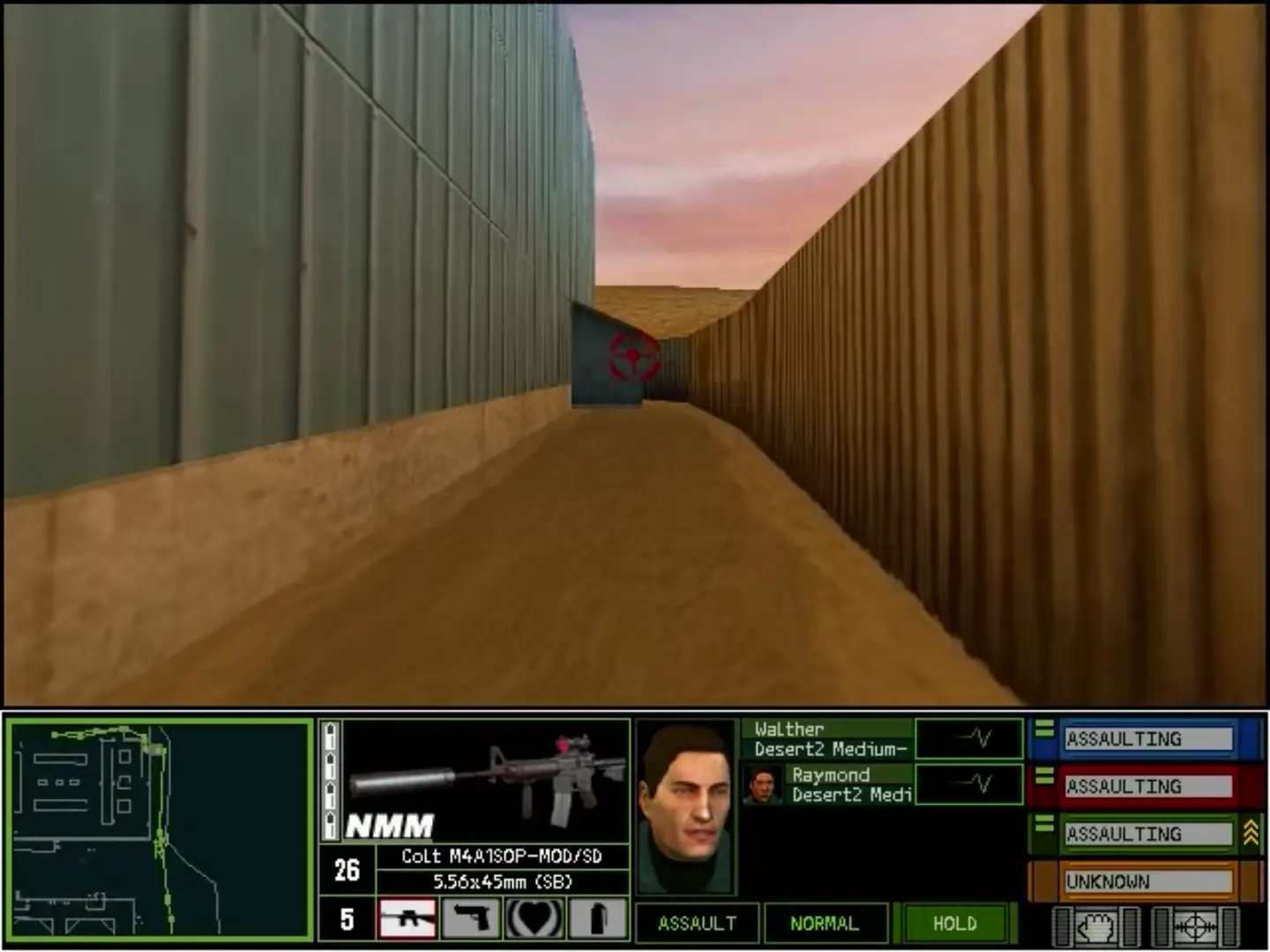
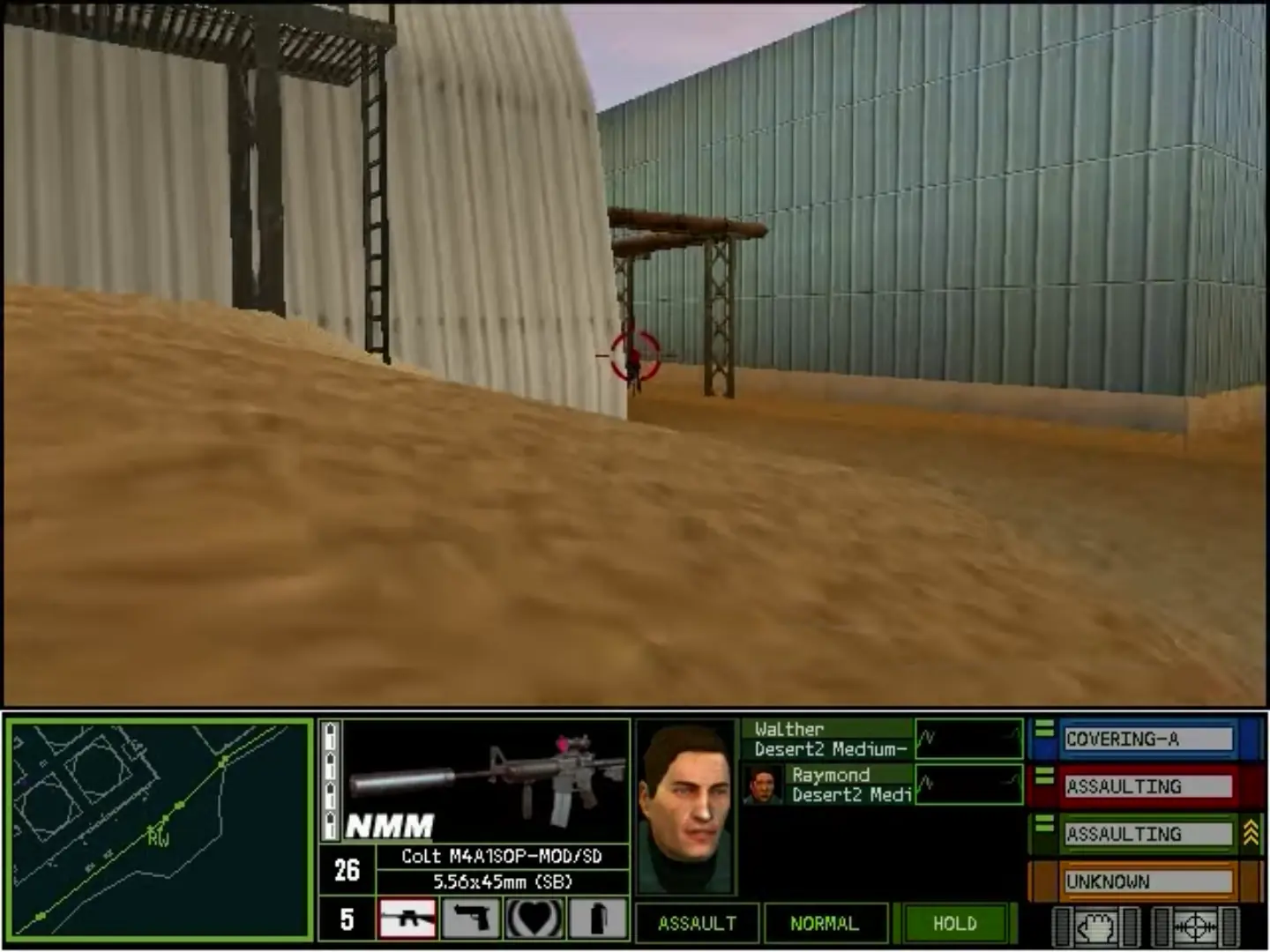
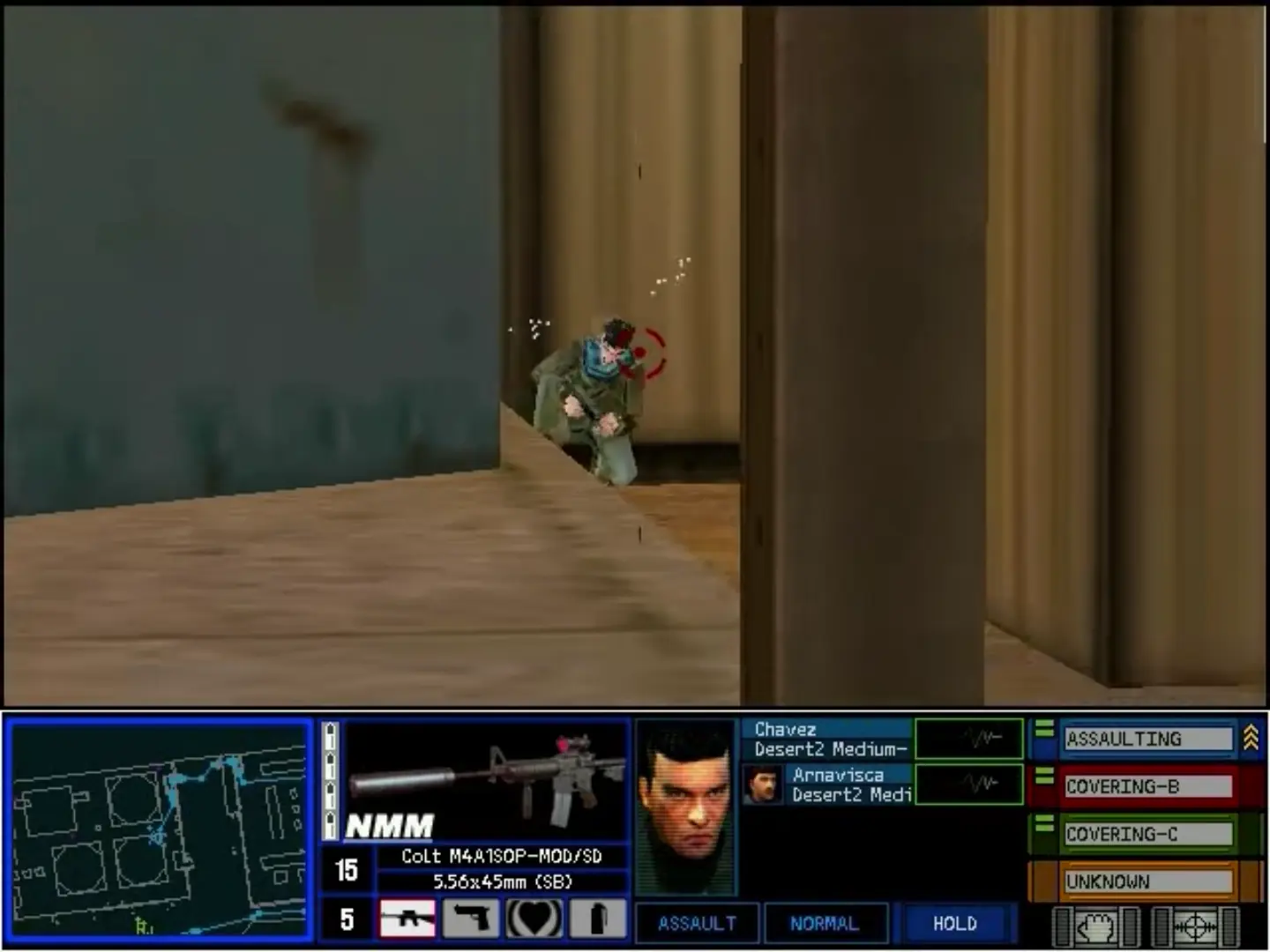
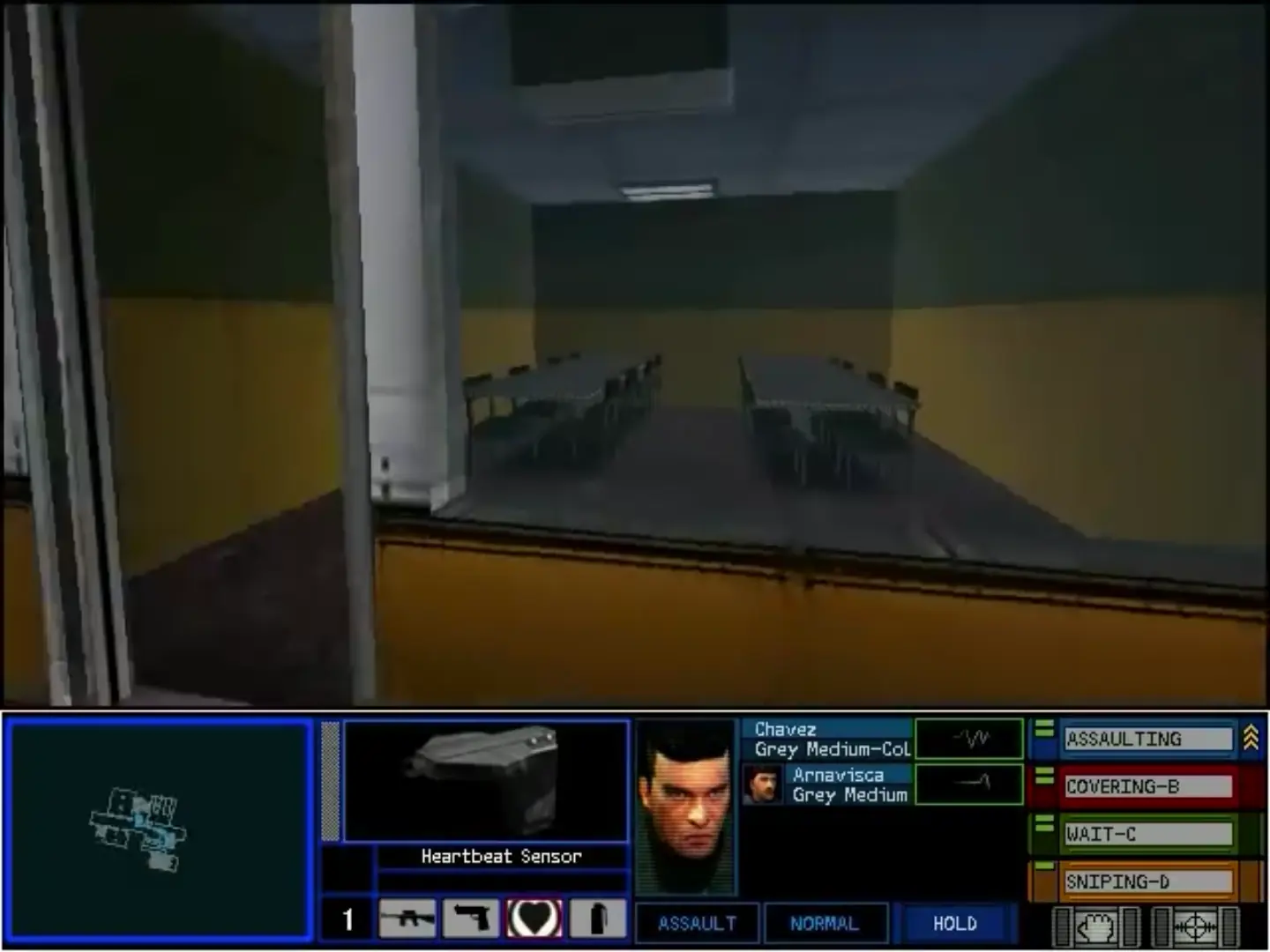
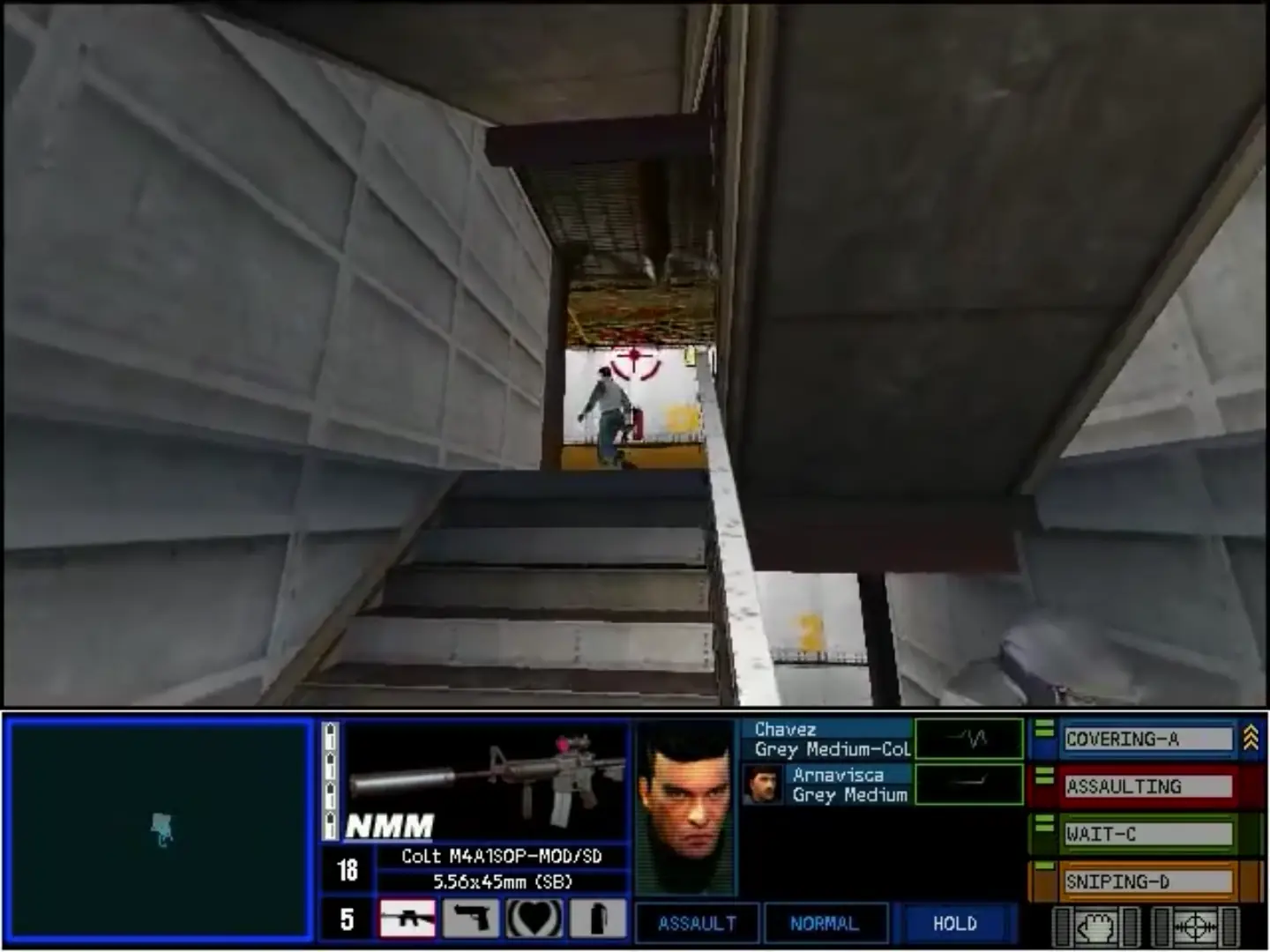
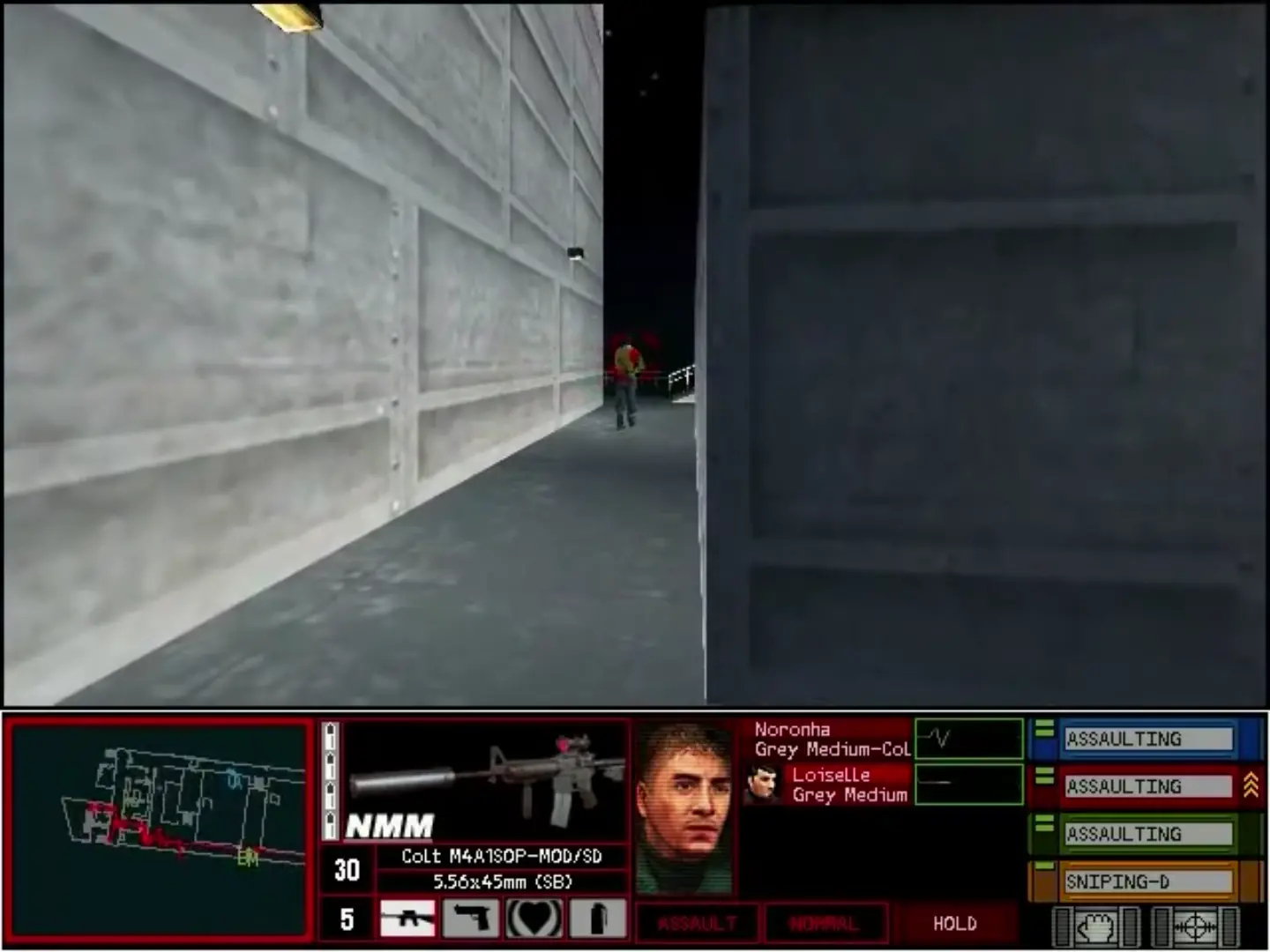
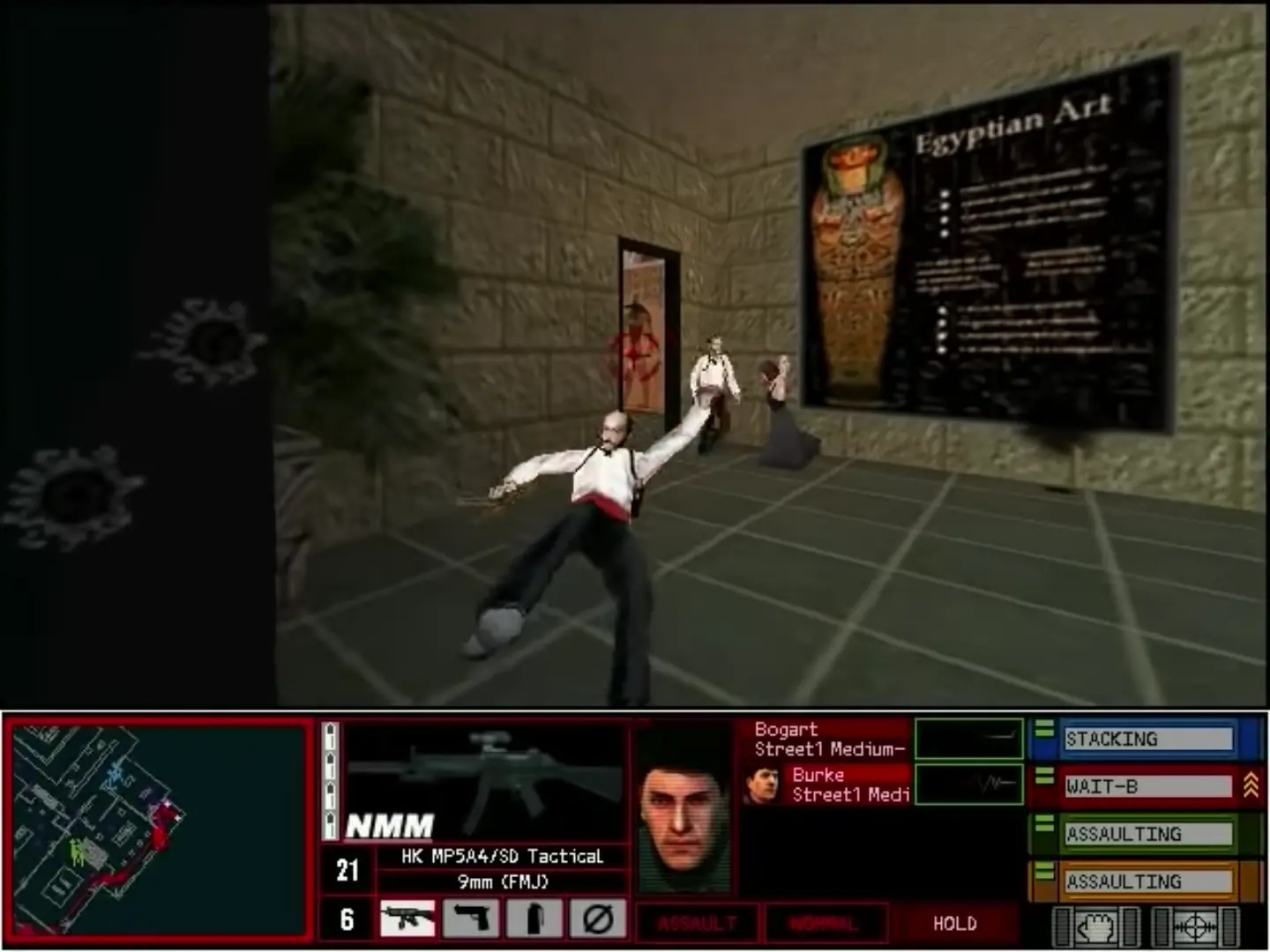
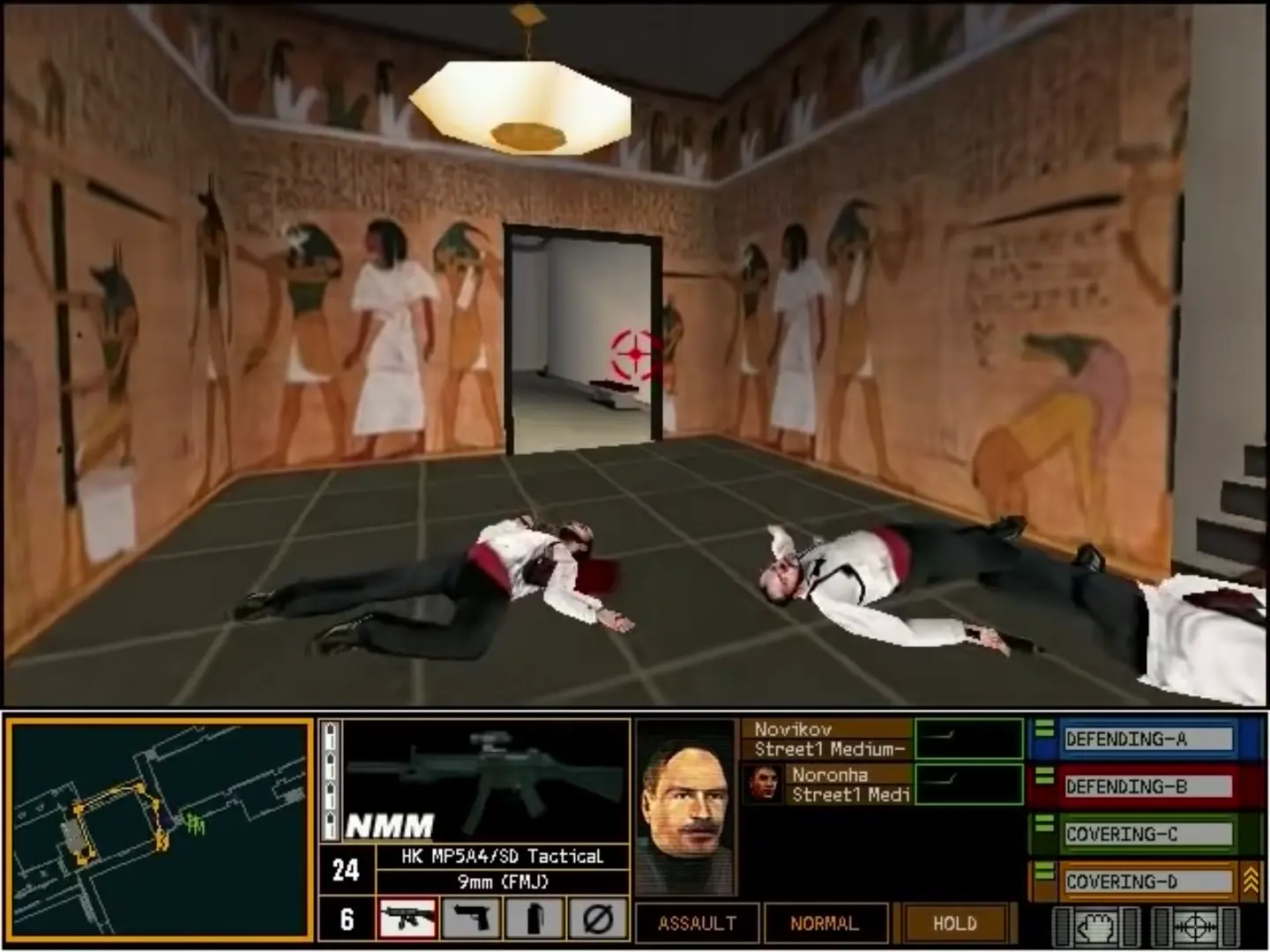
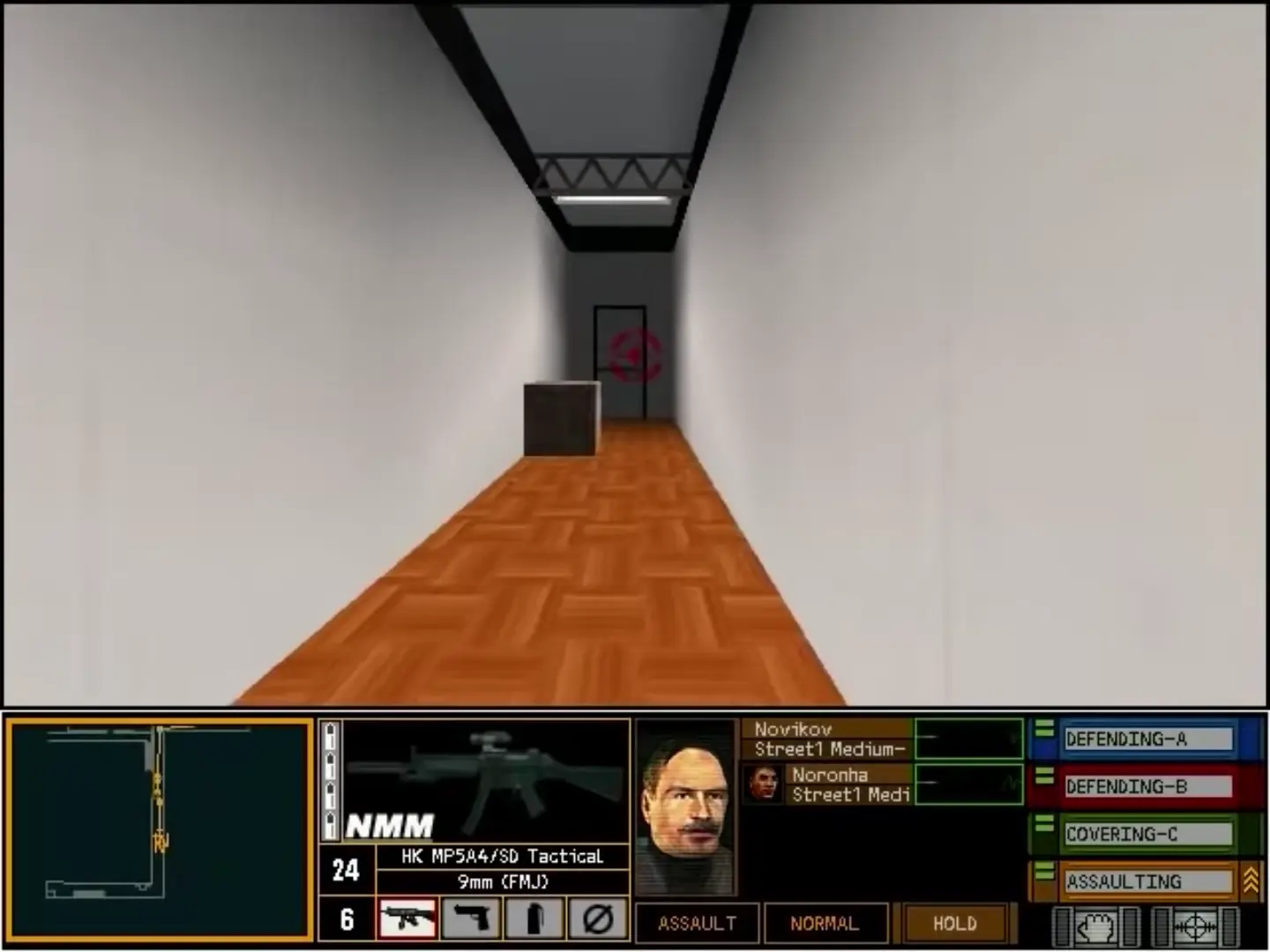
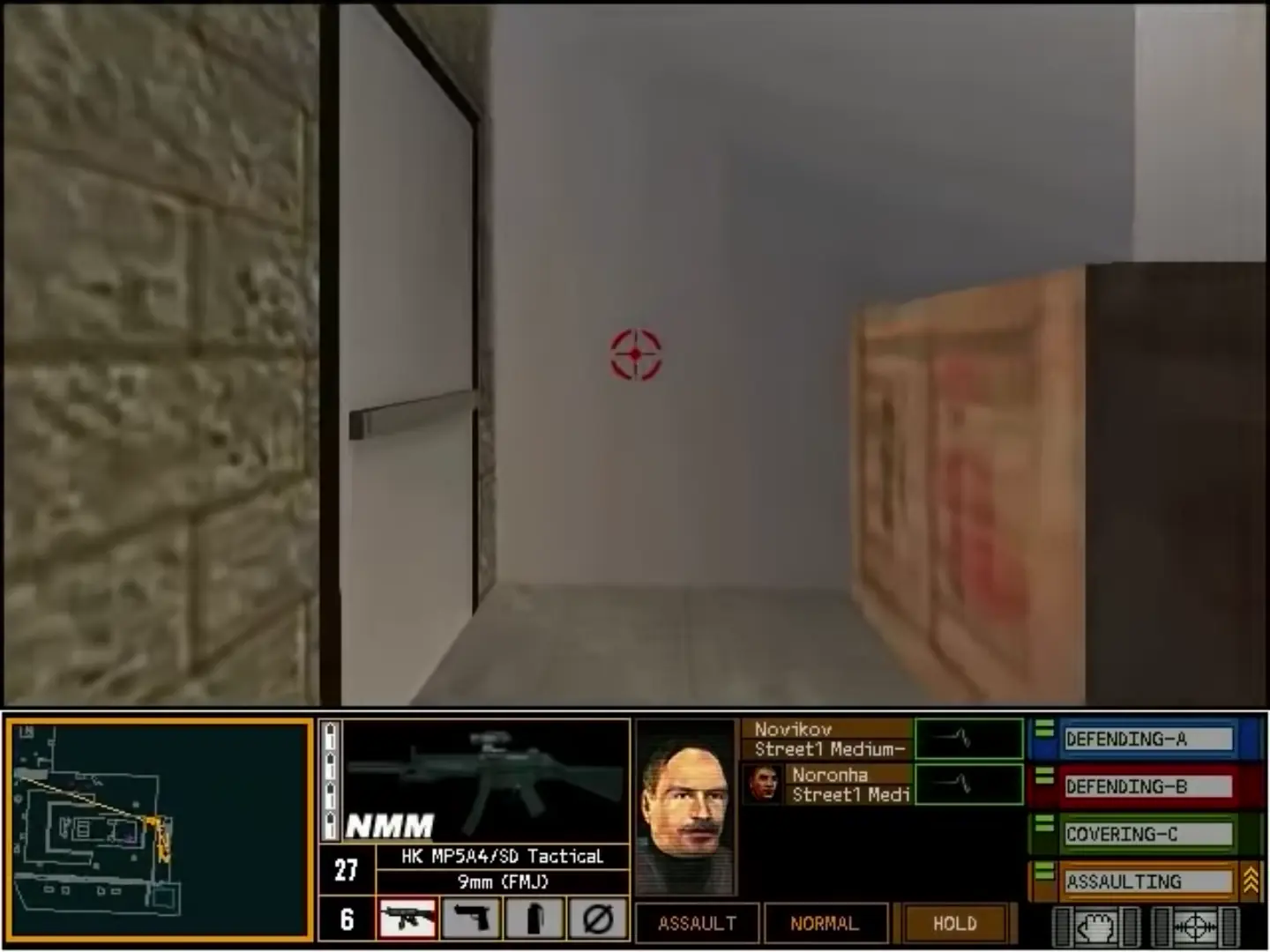
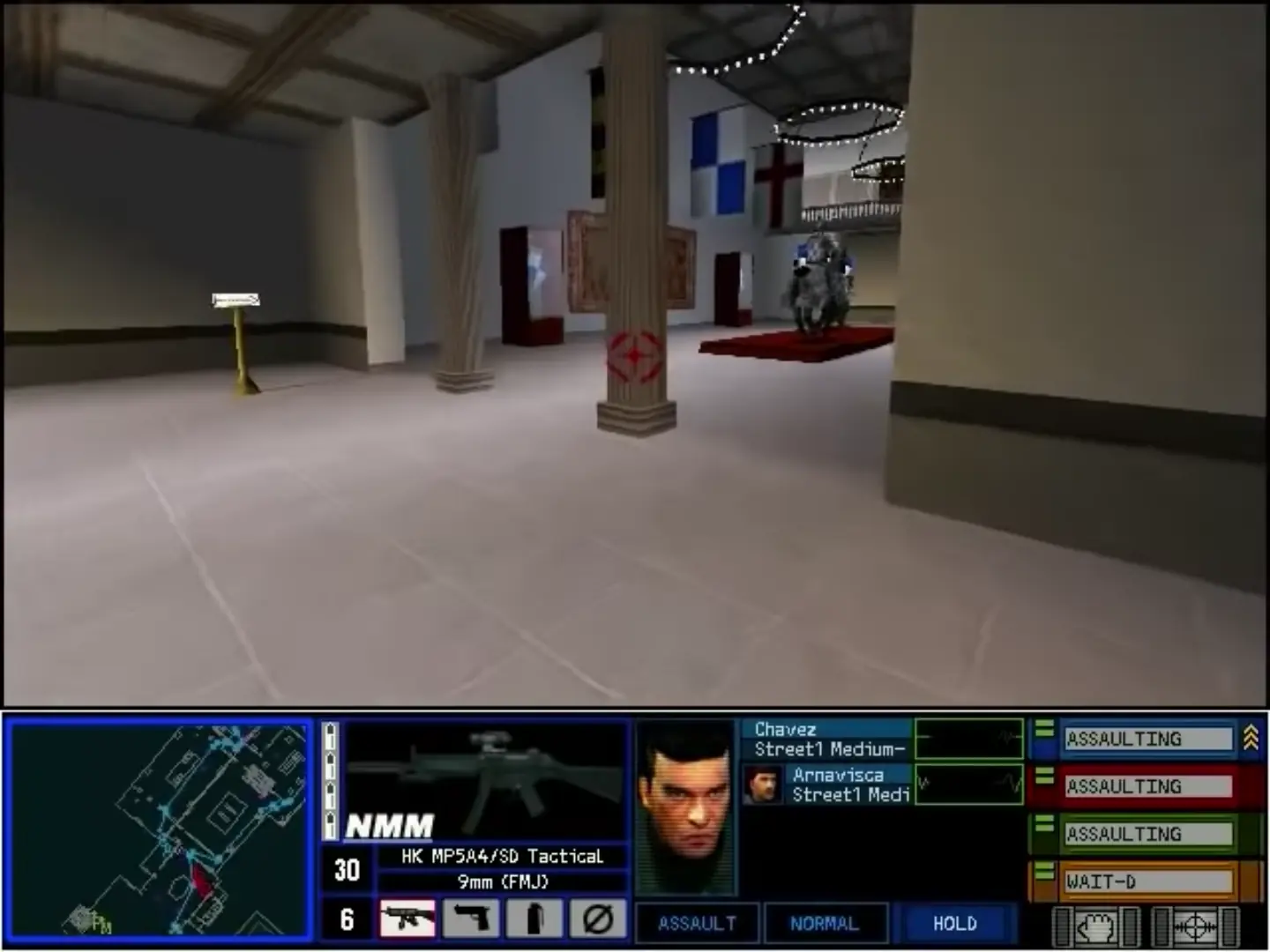
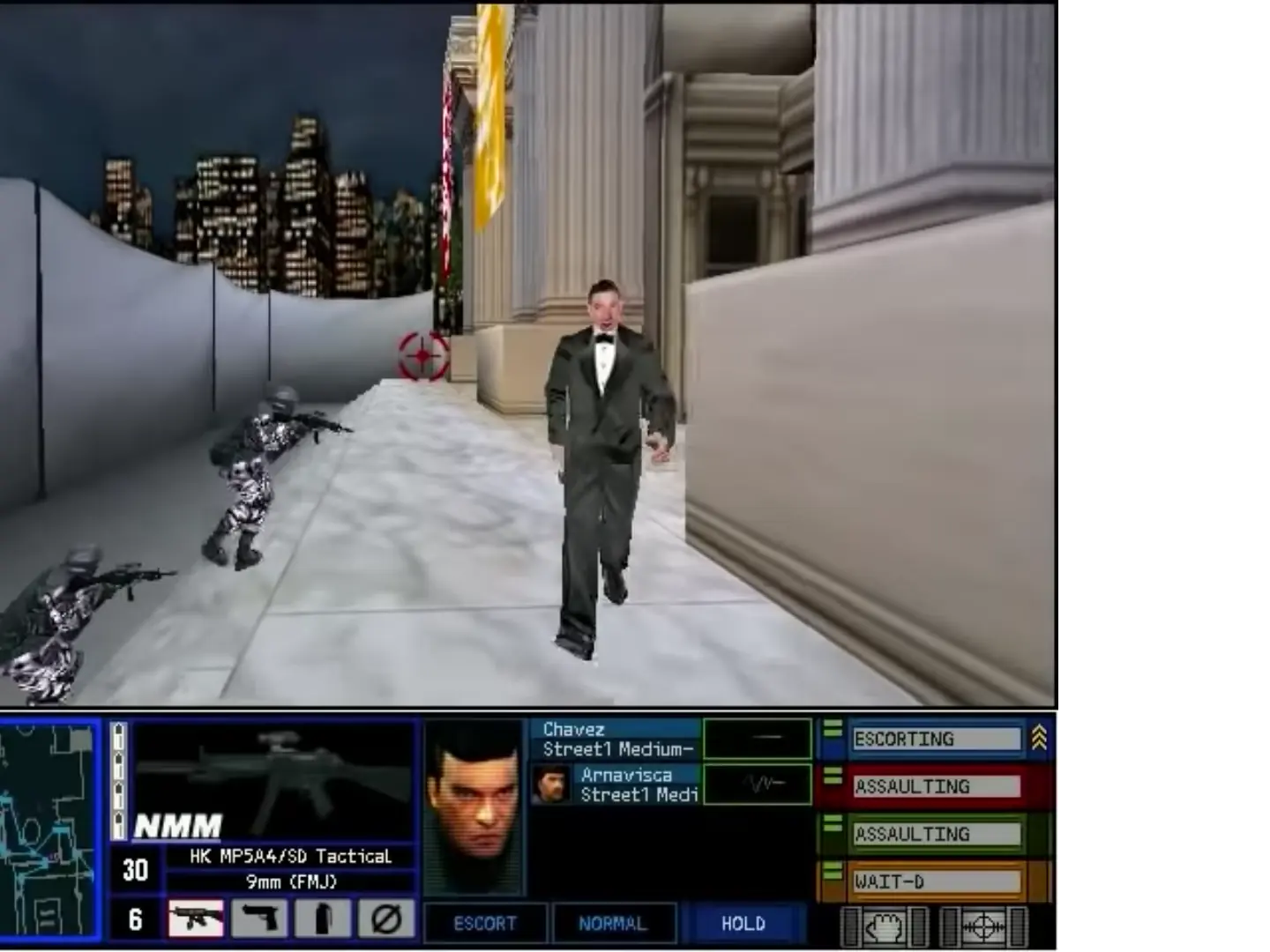
Rainbow Six: Rogue Spear is a tactical shooter, in which characters are affected by realistic factors and can be killed with a single bullet, thus promoting planning and tactics over force and firepower. Rogue Spear is very similar to its predecessor, Rainbow Six, and uses the same engine and gameplay, albeit greatly modified to feature improved graphics and animations, improved artificial intelligence, and new mechanics such as camouflage selection and the return of the hands-off "watch" mode from Rainbow Six: Eagle Watch. The campaign features a total of 18 missions from locations around the world, while the multiplayer portion features 20 different maps.
Rogue Spear's basic gameplay remains mostly unchanged from Rainbow Six, with the exception of the addition of a 'lean' mechanic, allowing players to peek around corners. The game follows a campaign of several missions, with objectives ranging from rescuing hostages and defusing bombs to gathering intelligence and planting surveillance devices; there are various approaches the player can take to complete said objectives, but Rogue Spear takes an approach that promotes stealth, as enemies can now react to the player's presence if they are heard or seen, such as investigating the area, fleeing, or attacking hostages. Before each mission is a briefing that details the situation and advances the plot, and a planning stage where the player selects the Rainbow operatives they want for the operation (categorized into Assault, Demolitions, Electronics, Recon, and Sniper based on their skillsets), sets waypoints and orders for their color-coded teams on a map of the area of operations, and equips their operatives with appropriate weapons, equipment, and uniforms for the mission. During the mission, the player can control the leader of any team at will, while teams not controlled by the player follow the orders assigned to them in planning. Injured operatives cannot be healed during a mission, while deceased operatives are permanently gone for the rest of the campaign playthrough, forcing players to plan carefully to avoid casualties.
Rogue Spear features two free-play modes outside the campaign: Lone Wolf, where the player must complete an entire level using only a single operative; and Terrorist Hunt, where the player must defeat up to 30 terrorists in a level, with no other objectives aside from clearing the entire level of enemies.
In 2001, Rainbow, led by John Clark, handles a spike in terrorist attacks conducted by various seemingly unaffiliated terrorist groups. Meanwhile, the former Eastern Bloc has fallen into disarray since the dissolution of the Soviet Union a decade prior, with conflict, crime, and corruption increasing as money and necessities become scarce.
Investigating a thwarted nerve agent attack in Oman, Rainbow, assisted by an anonymous informant, sources the agent to anti-Western oil baron Samed Vezirzade. Surveillance of Vezirzade leads Rainbow to an illegal deal between a Russian military unit and Russian mobsters connected to arms dealer Maxim Kutkin and kingpin Lukyan Barsukov. Rainbow interrupts the deal and recovers weapons-grade plutonium, leading them to believe Kutkin is assembling nuclear weapons. Rainbow plants surveillance devices in Vezirzade's mansion and Kutkin's private spa, and discovers Vezirzade has been supporting terrorist groups for his own gain; they also learn he is aware Rainbow is after him.
Rainbow locates and raids Kutkin's nuclear weapons facility in Siberia, destroying the facility and recovering two nuclear weapons. Meanwhile, the informant leaves to "set things right", and Kutkin's mafia is promptly embroiled in a gang war; Rainbow analyst Susan Holt learns the informant was Barsukov himself, who was suspicious of Kutkin (his son-in-law) and needed Rainbow's investigations to confirm. Suddenly, Holt and Barsukov are kidnapped by Kutkin; worse, Clark learns two other nuclear weapons were not recovered from the Siberian facility. After rescuing Holt and Barsukov, Rainbow learns Kutkin is personally moving the nuclear weapons to the West, and they intercept the shipment, securing the nuclear weapons and seemingly killing Kutkin.







Kind regards
Oli
My name is Kevin and I’m trying to make a partially in game film documentary on fps games. R6:RS was running on my windows 11 laptop two days ago. I formatted and now I can’t get setup.exe to run, but autorun.exe does start.
Can anyone help… I’m so tired lol
Anyways, do you find a solution by chance?
Be well 🙂
Thanks so much!
Best regards,
K
2. Run Autorun.exe.
3. Install the game.
4. Go to: https://github.com/narzoul/DDrawCompat/releases.
5. Download the latest version of DDrawCompat.
6. Unzip it and put the ddraw.dll file in to your Rogue Spear installation folder (the same spot on your local drive that has RogueSpear.exe). It should not replace an existing file.
7. Make sure you still have the .iso file mounted and double-click RogueSpear.exe from your installation folder (not mount) and enjoy.
Also, make sure you double click the roguespear.iso in the ‘game files’ folder and mount it whenever you want to play.
phew, running this game on windows 10 is a hot MESS let me tell ya.