My Horse & Me 2
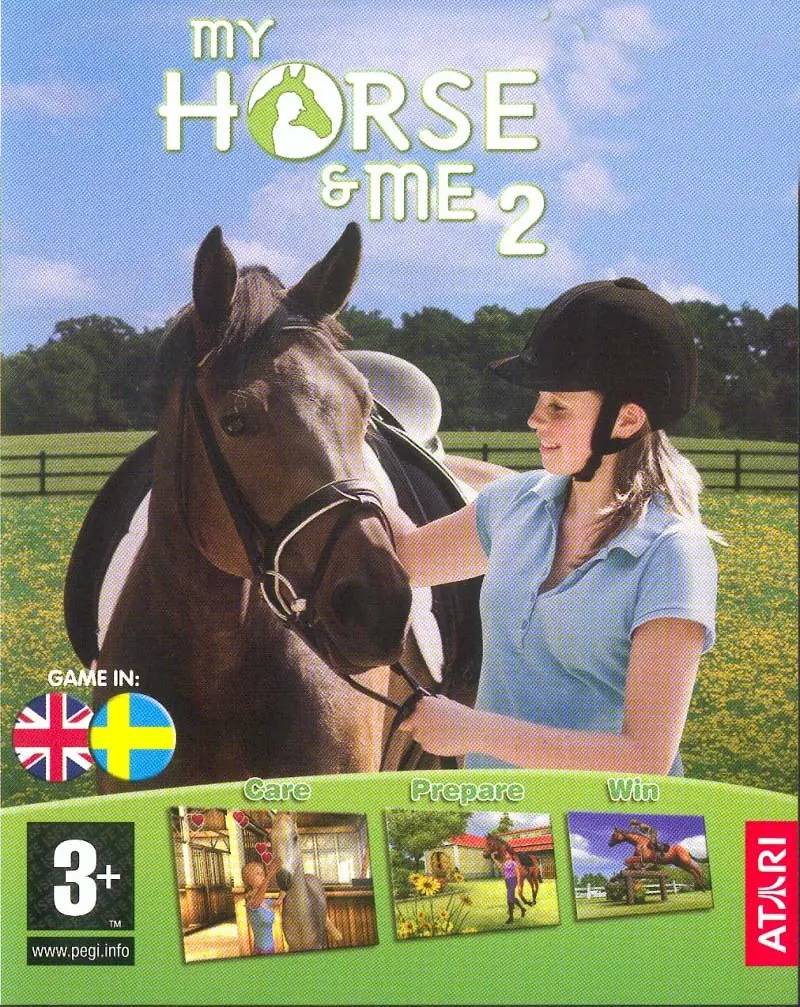
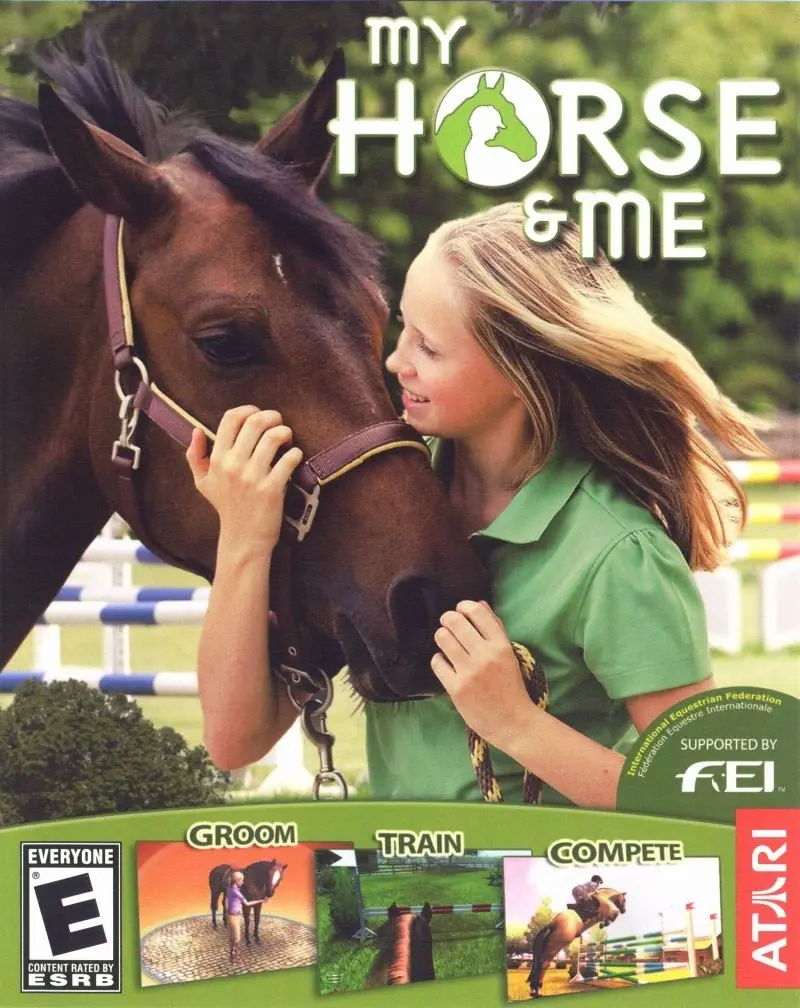
My Horse & Me 2 is a 2008 simulation game developed by Tate Interactive Sp z.o.o and published by Atari Europe S.A.S.U..
Genres
Publishers
Developers
Released
Platforms
My Horse & Me 2 is a 2008 simulation game developed by Tate Interactive Sp z.o.o and published by Atari Europe S.A.S.U..
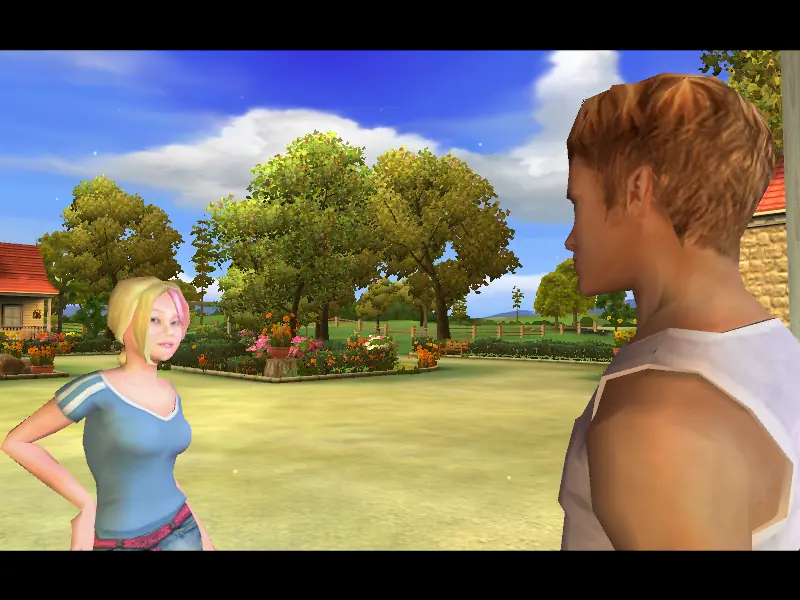
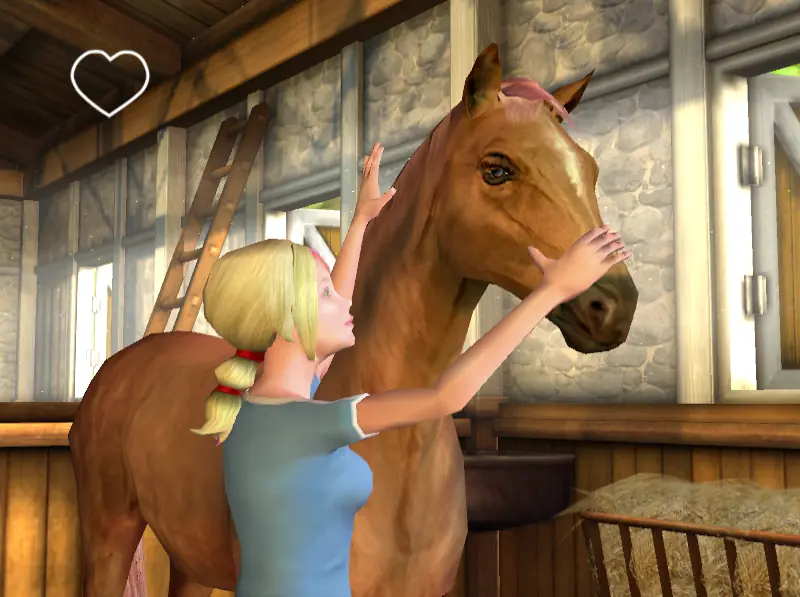
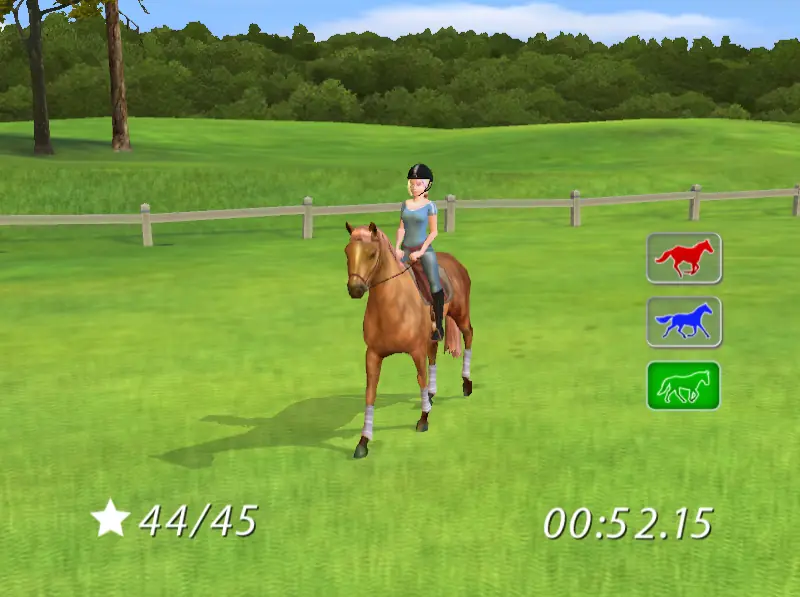
My Horse & Me 2 is abandonware and no longer sold or supported by its publishers. This game was preserved thanks to a community donation - see our missing games page for credits and titles we're still looking for.







Also, now i cant remove it from my pc
(i have a windows 10)
Keep getting this error whenever I try and open the game I’ve tried to install multiple times and I keep getting this error
How do I fix it?
“C:\Users\(YourUserName)\AppData\Local” and find the ‘Horse’ folder (in this folder there are two files where you can change the configuration manually, the changes will be visible immediately after starting the game). Its name needs to be changed to ‘My Horse and Me 2’.
Polish: https://mega.nz/file/WJR1WRYZ#1nE15gipt6peL1OM-5XSKRNyw5Z8067P4Za6K6N6HK8
Czech: https://mega.nz/file/aVg2gRJK#_7U7b8jZjqWXvsMQFnU3I5tGBg4BW7Pr_nnVGVQtrUY
https://media3.giphy.com/media/sX1w4zvWqg9KJbmc8x/giphy.gif
To do this, go into your OS program files x86 and atari, go into the demo and copy the .dll file then paste it into the full game while removing that .dll file (it worked for me but I’m not even sure how lmao)